
AI Portrait Photography Prompts: Lens, Lighting, Styling and Background
Learn how to write AI portrait photography prompts covering character, lens, lighting, wardrobe, pose and background for natural-looking portraits.
Table of Contents
A strong AI portrait prompt uses photography language: character, lens, lighting, wardrobe, pose, background and constraints.
Portrait Prompt Formula
Character Description
Describe age range, personality, hairstyle, expression and pose without overloading the prompt.
Lens and Camera Angle
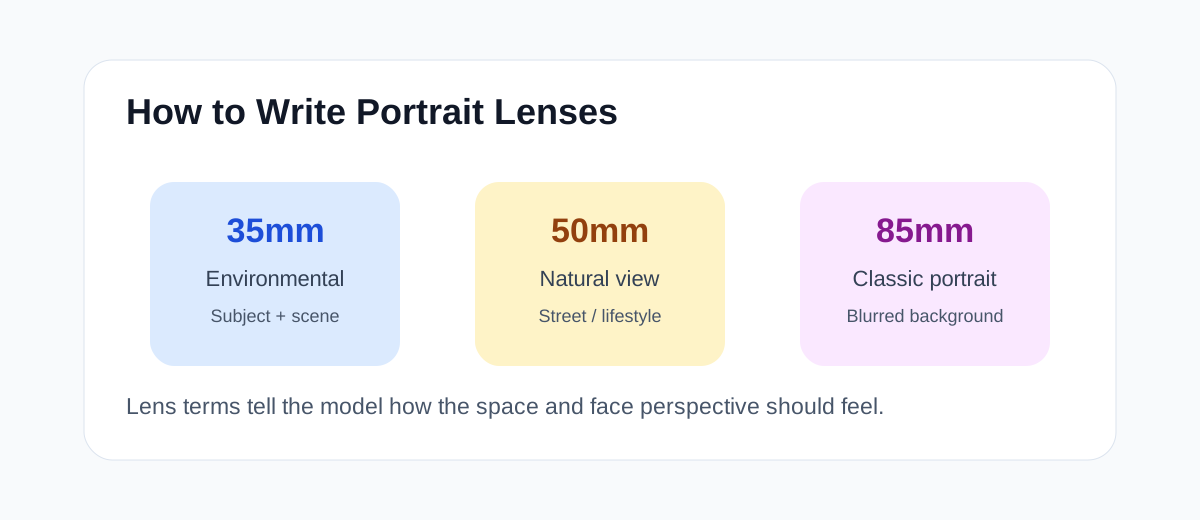
- 35mm for environmental portraits.
- 50mm for natural lifestyle portraits.
- 85mm for classic shallow-depth portraits.
- Eye level feels natural, low angle feels powerful.
Shot Size and Composition
Specify close-up, half-body, three-quarter or full-body framing. Shot size changes how the portrait communicates emotion, fashion, or environment.
Lighting Language
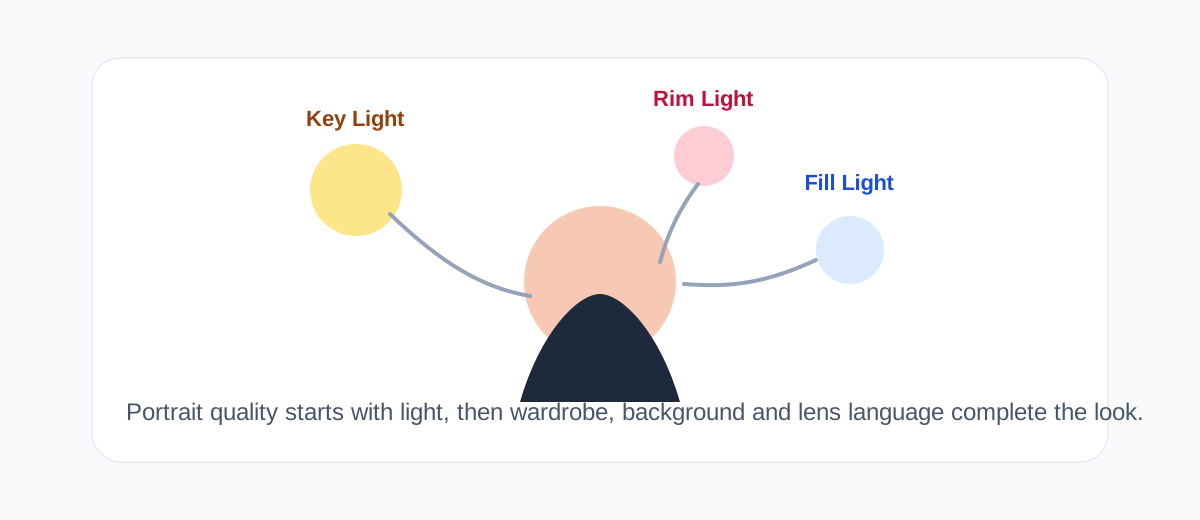
Use soft window light, golden hour sunlight, studio softbox lighting, rim light, or cinematic low-key lighting depending on the mood.
Wardrobe and Styling
Match clothing to the role and use case: business, lifestyle, fashion editorial, or creator profile.
Background and Mood
Describe how the background supports the subject, and keep it slightly blurred for portrait focus.
Reusable Templates
Create a realistic business portrait of [person]. Wearing [wardrobe], natural confident smile, looking at camera. 85mm portrait lens, eye-level angle, studio softbox lighting, clean office background, subtle blur. Natural skin texture, realistic face proportions, no distorted hands or facial features.Scene Examples
Use business portrait prompts for profile pages, lifestyle portraits for social content, and editorial portraits for fashion or campaign visuals.
Refinement Feedback
Use precise photographic feedback: soften the key light, increase background blur, keep the pose, reduce skin smoothing, or switch from wide-angle feel to 85mm portrait feel.
Pitfalls
- Avoid conflicting styles.
- Ask for natural skin texture.
- Keep hands simple.
- Do not let the background overpower the subject.
Frequently Asked Questions
Why do AI portraits look unnatural?
Common causes are over-smoothed skin, exaggerated facial proportions and broken hands. Add terms like “natural skin texture” and “realistic face proportions”, and avoid mixing conflicting styles.
How does lens focal length affect portraits?
85mm or 135mm telephoto lenses compress the background and look like classic portraits; 35mm wide angles suit environmental portraits but distort faces if used carelessly.
How do I keep the same character consistent across images?
Write a fixed character description (age, hair, facial features, wardrobe) and reuse it in every prompt; use image references when available, while varying lighting and composition.
How should I describe lighting in portrait prompts?
Use photographic language: soft window light, golden hour sunlight, studio softbox, rim light or cinematic low-key lighting. Lighting words control the texture and mood of the photo.
Related Tutorials
How to Use Midjourney: Beginner Guide
Learn how to use Midjourney from signup to your first image, including prompts, personalization, variations, upscaling, remix, and image references.
Seedream Quick Start Guide
Learn ByteDance Seedream from scratch, master Seedream3.0/4.0/4.5 usage tips, quickly generate high-quality AI images
AI Art Prompt Engineering Guide
Master AI art prompt writing techniques from beginner to advanced, including universal formulas, weight syntax, style keyword library and practical templates