Designhint prompt library
AI Image Prompts for Designers
Explore real AI image prompt examples for posters, photography, product visuals, illustration, and more. Copy a useful starting point or remix the idea for your brief.
Explore AI Image Prompts
AI Image Prompt Examples
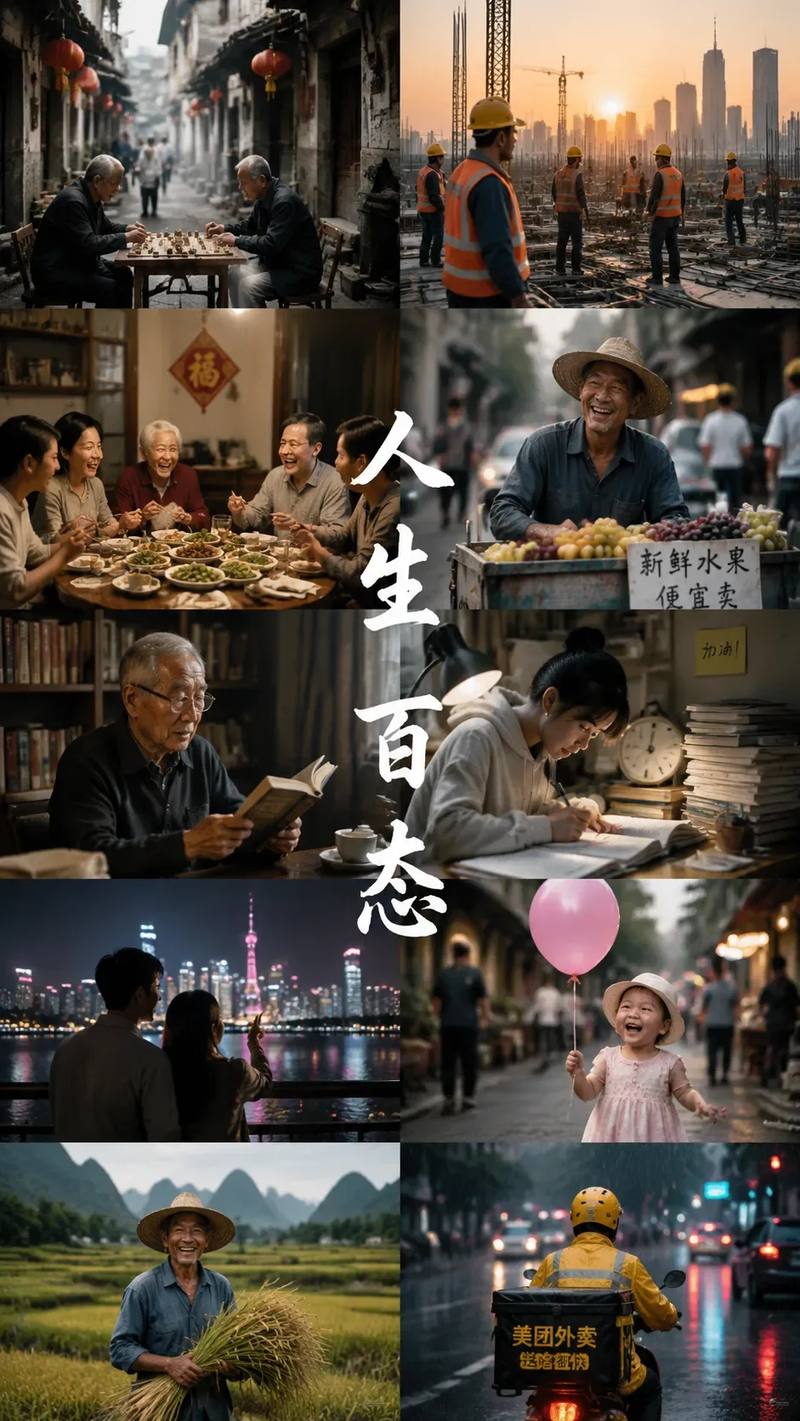
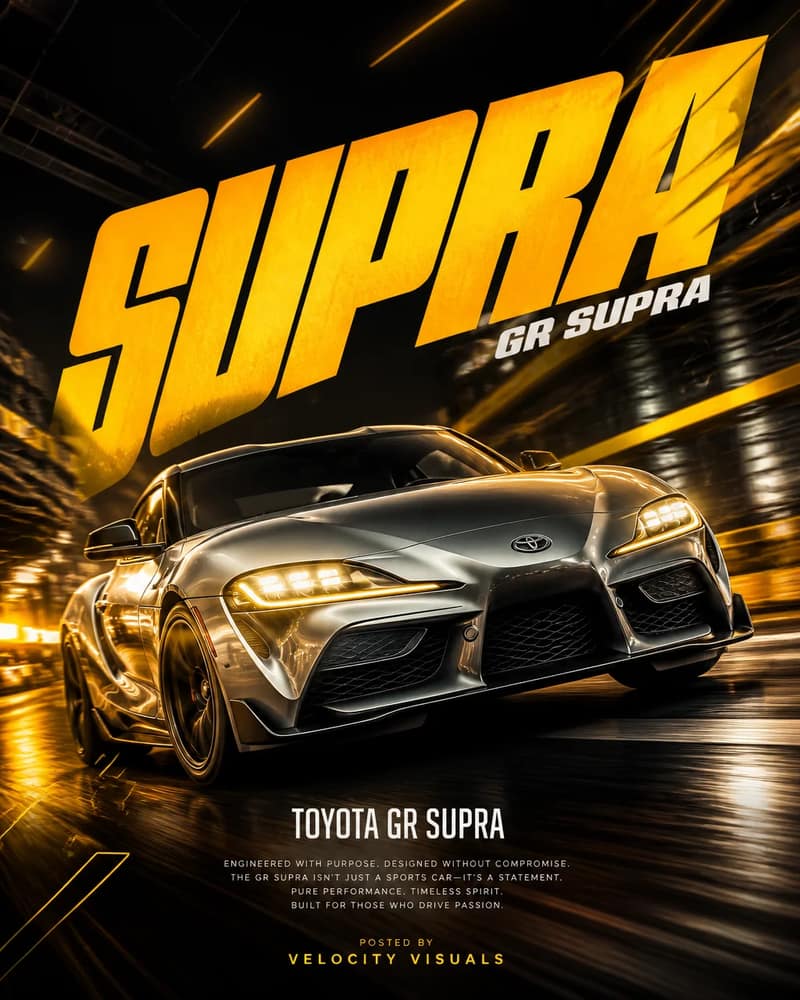
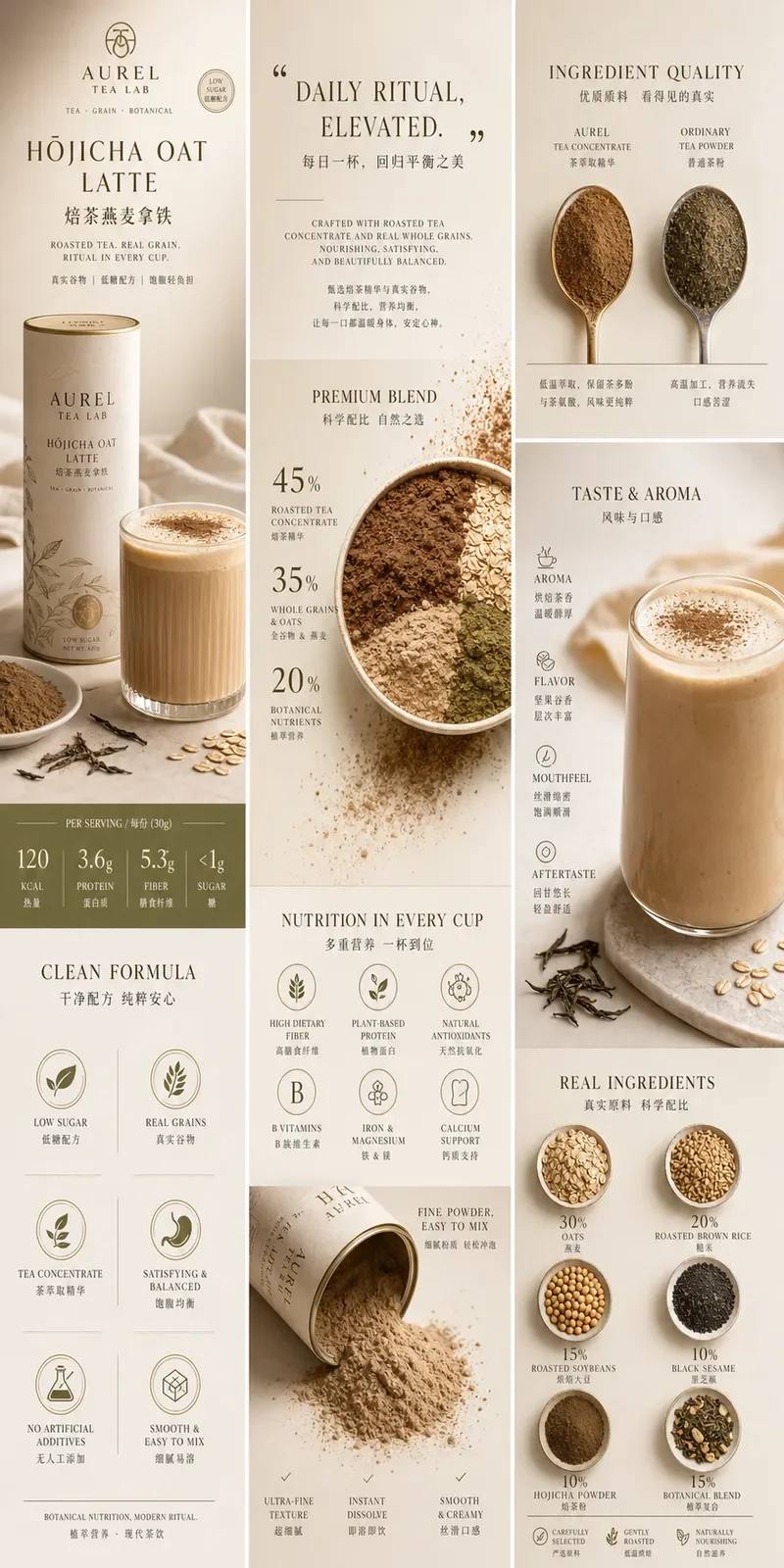
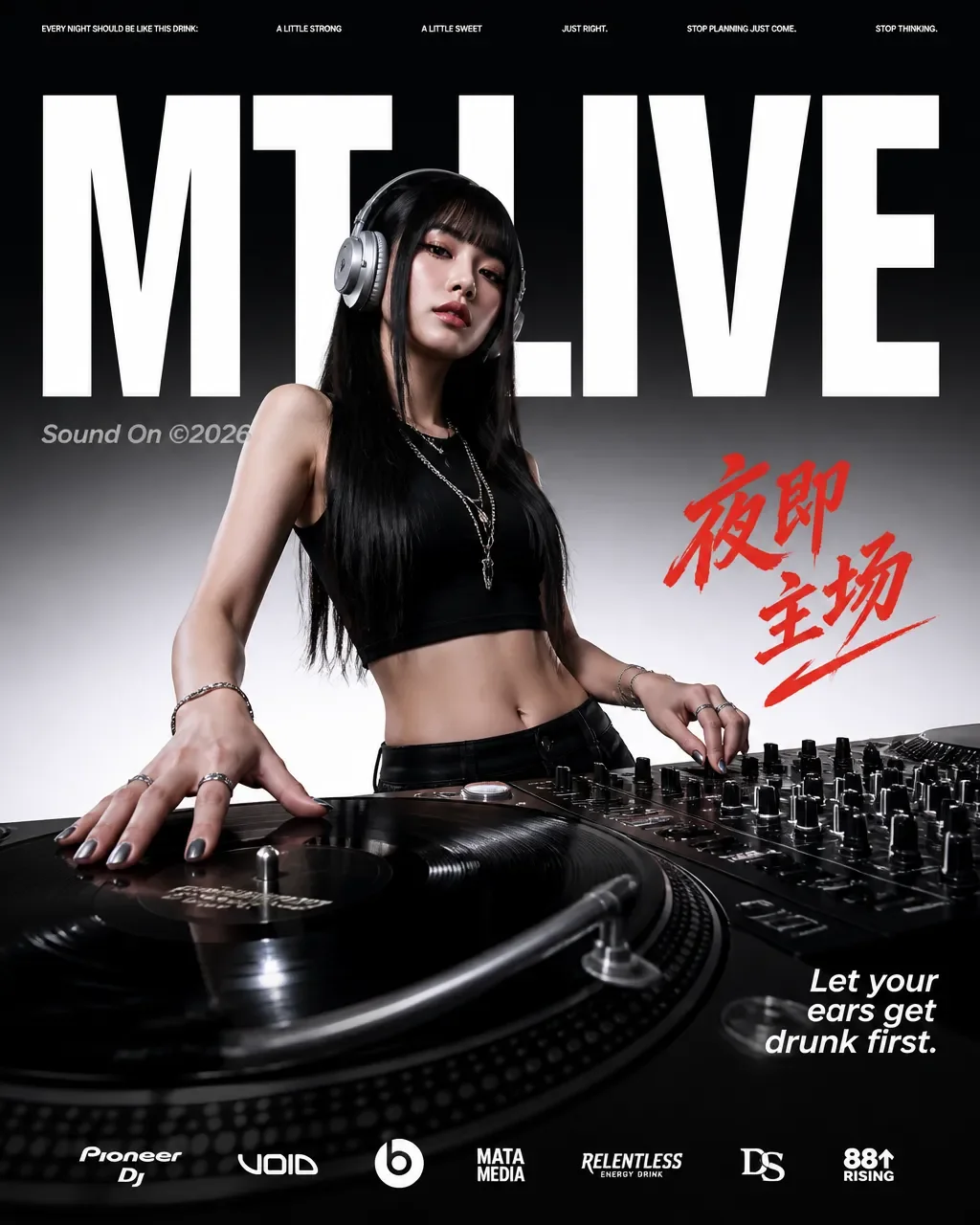
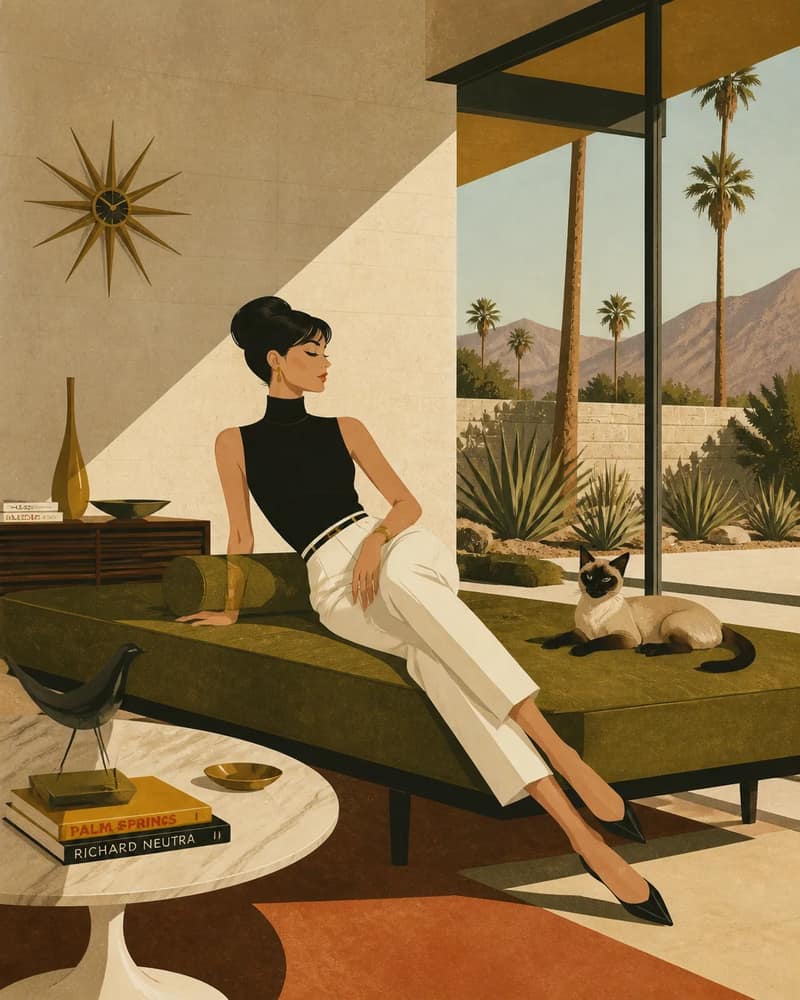
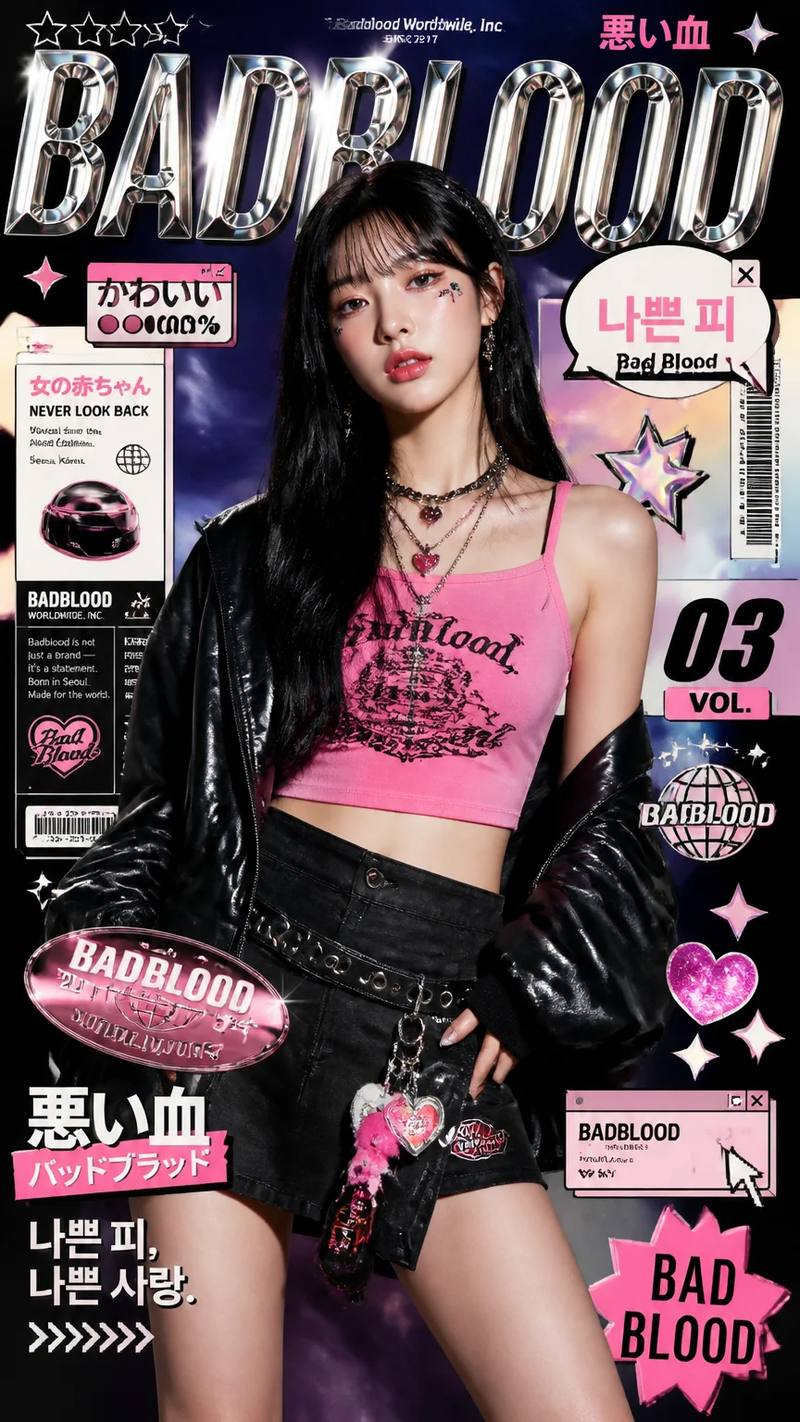
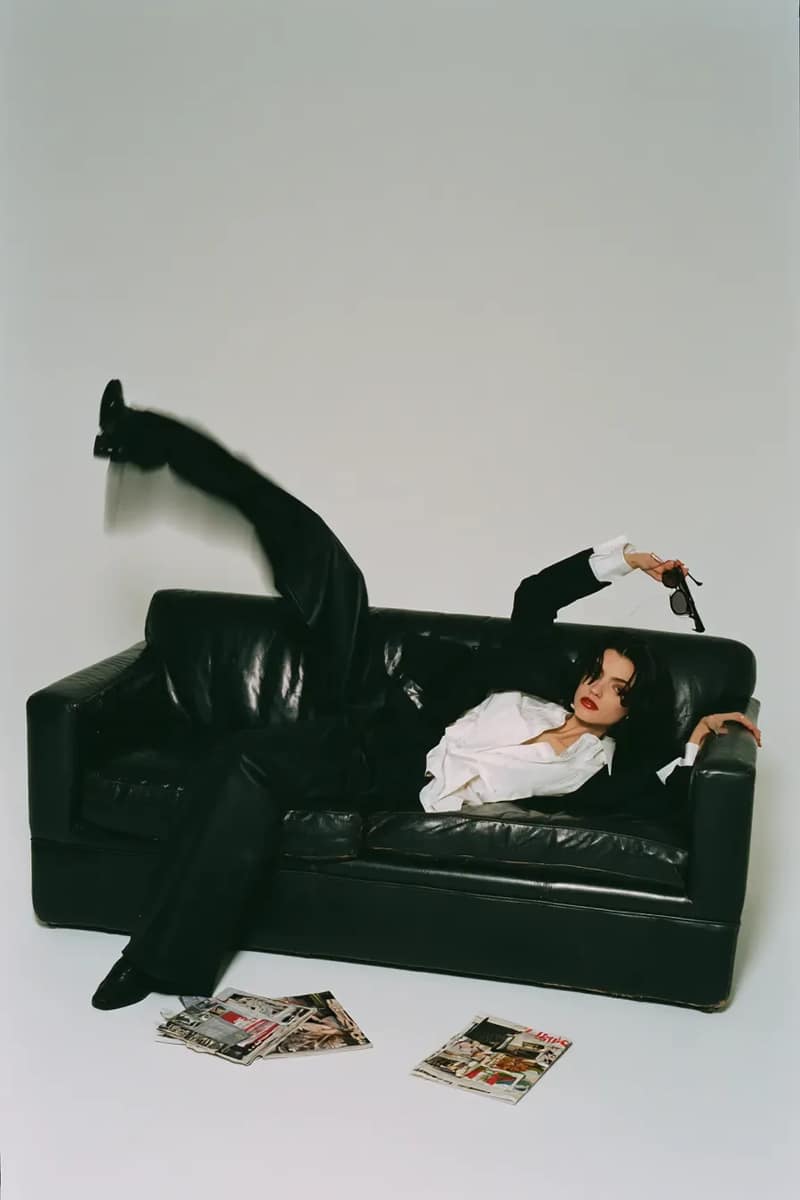
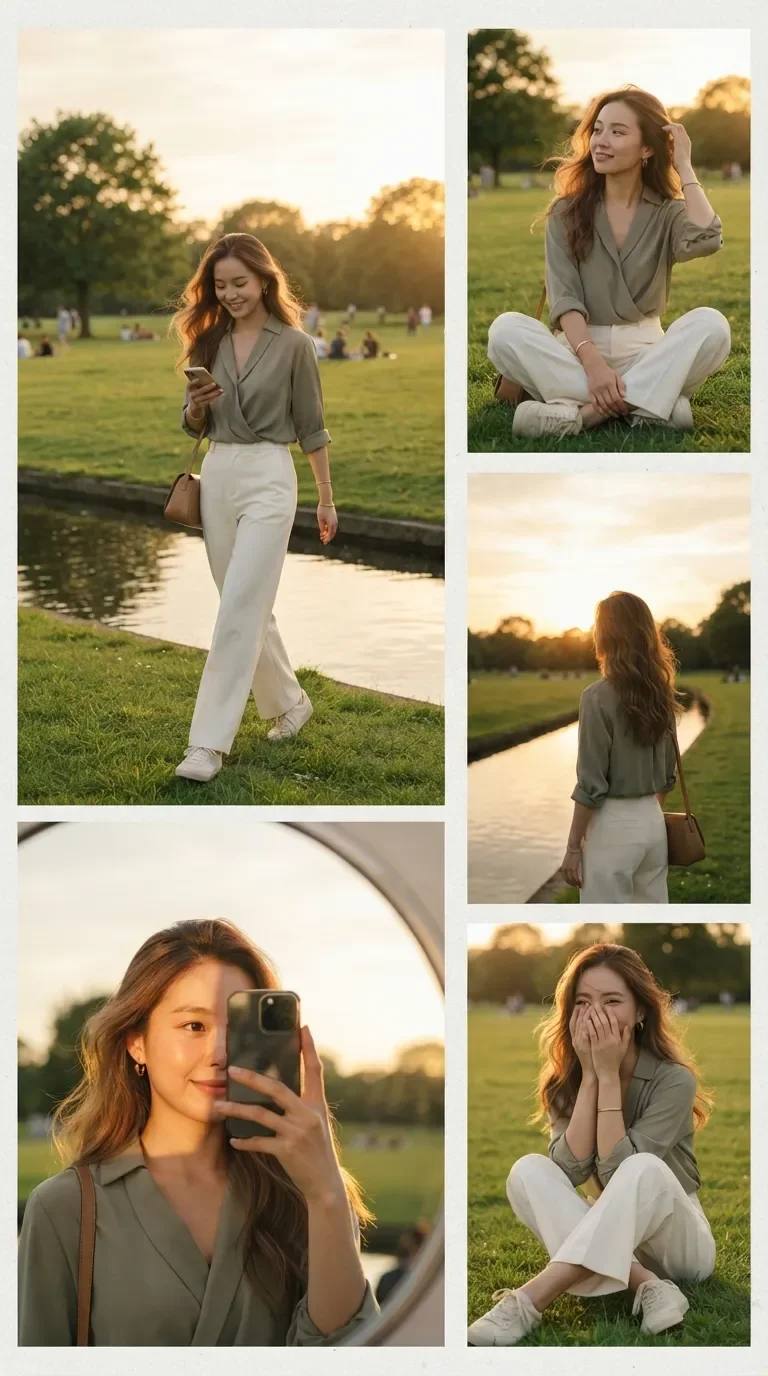
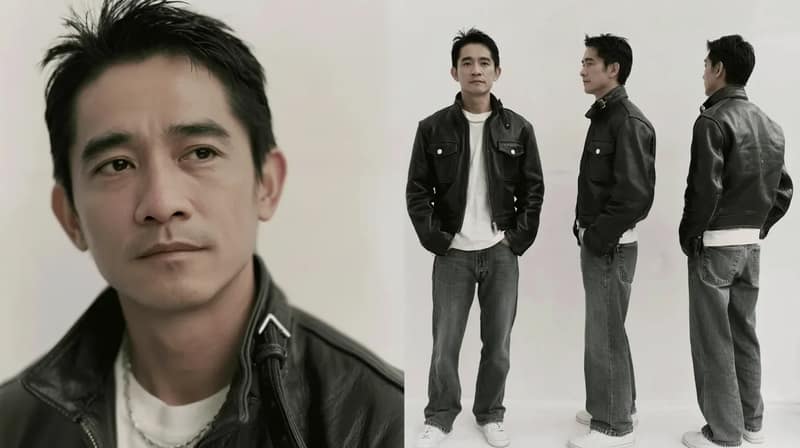
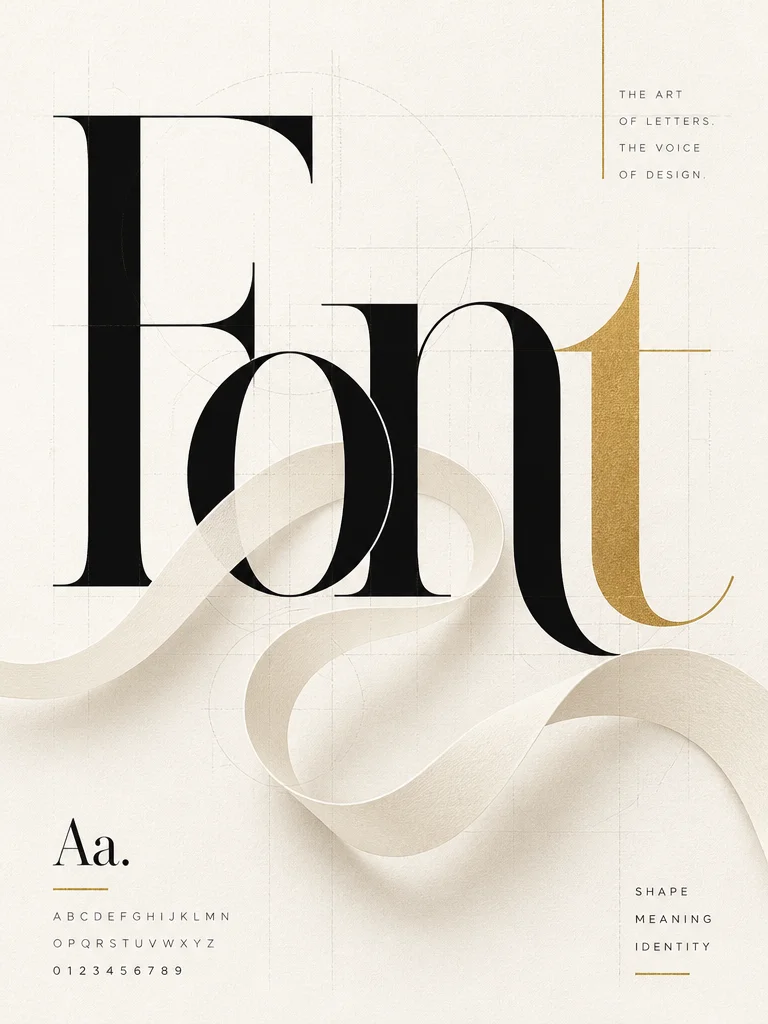
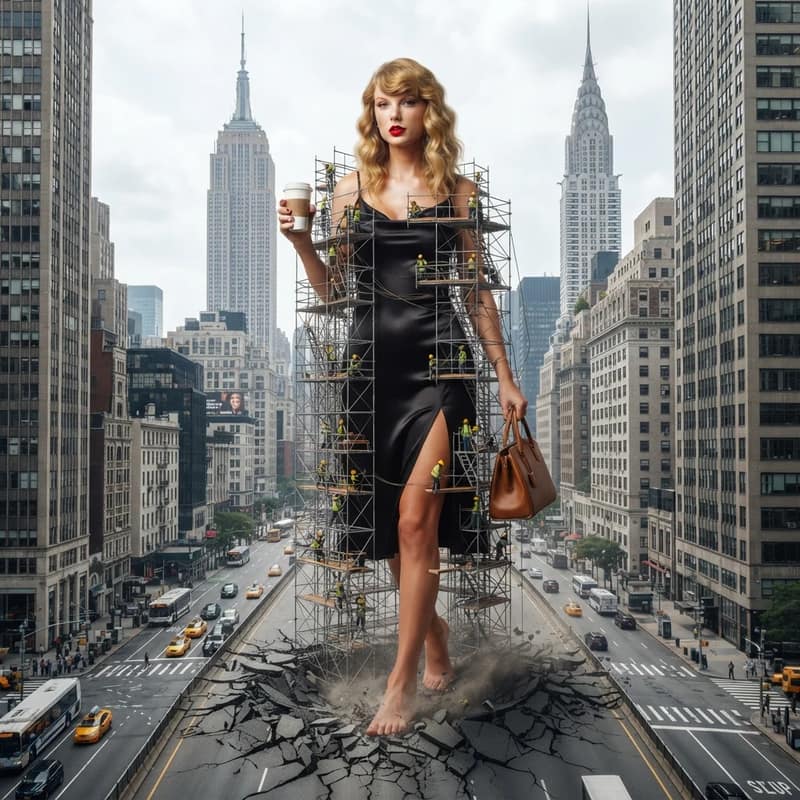
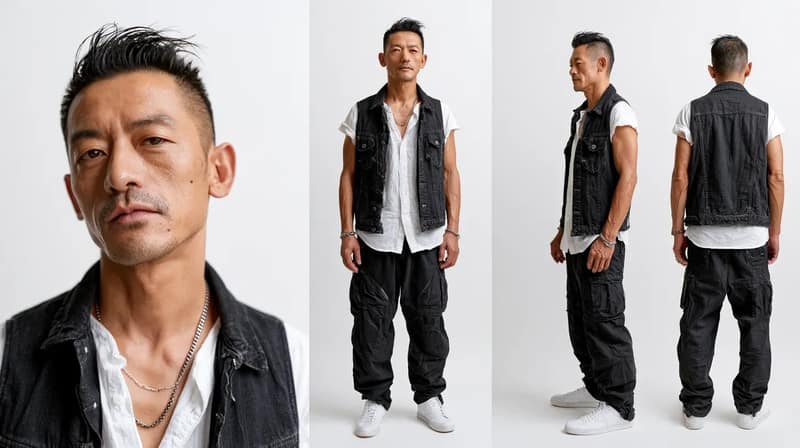
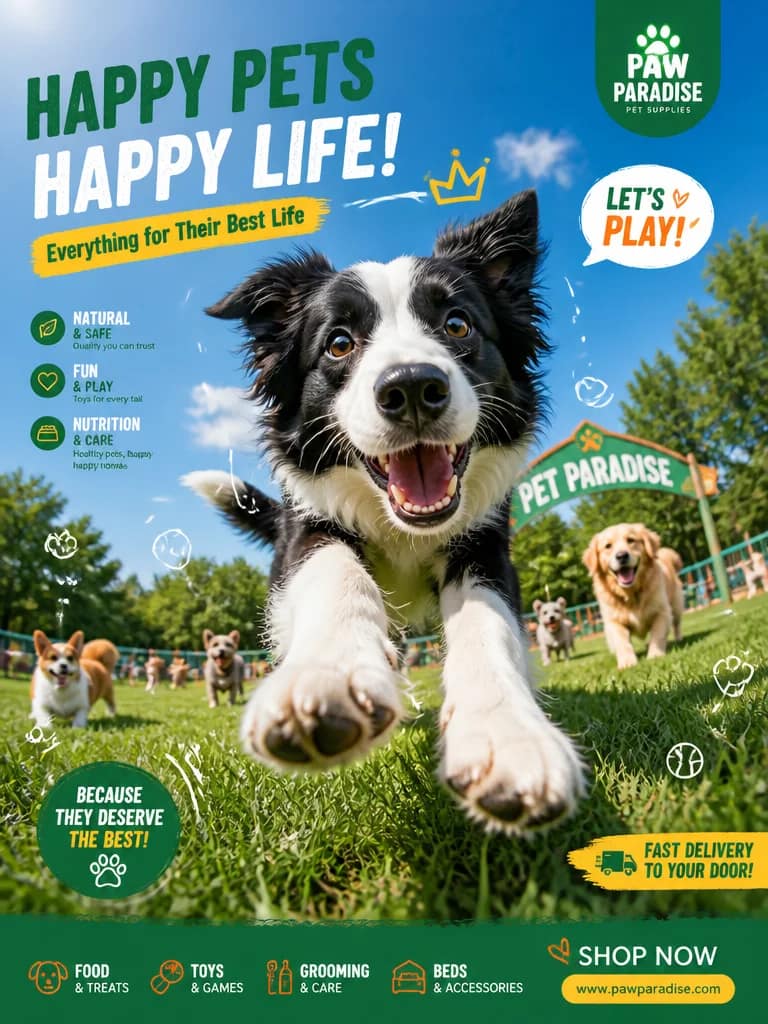
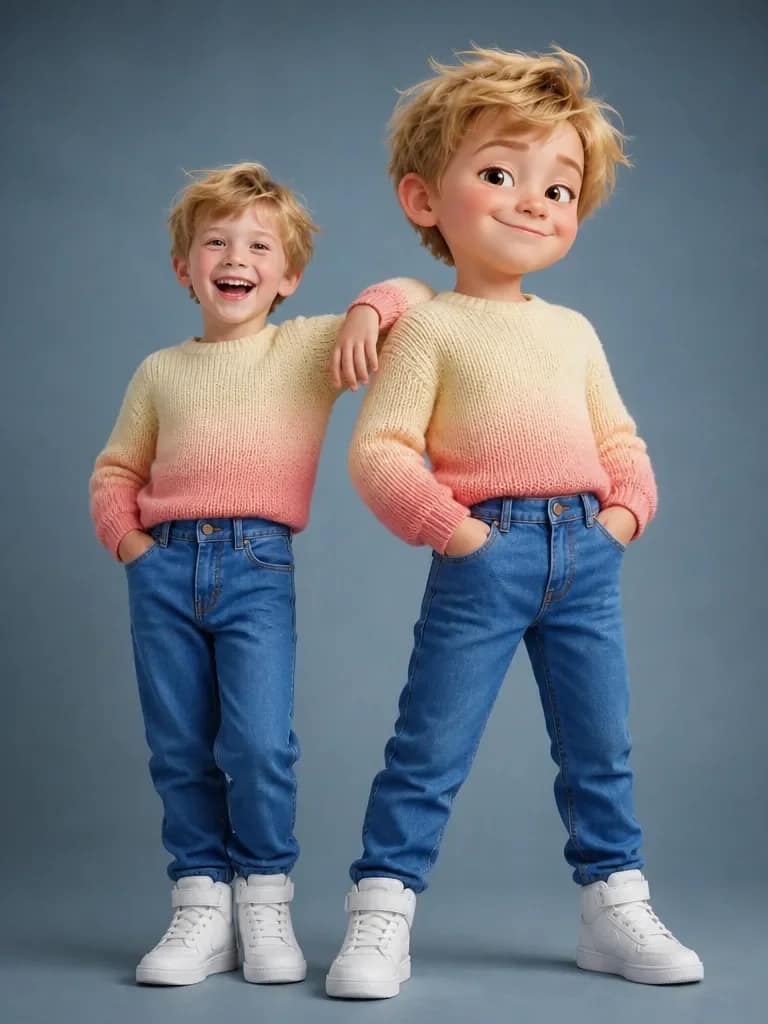
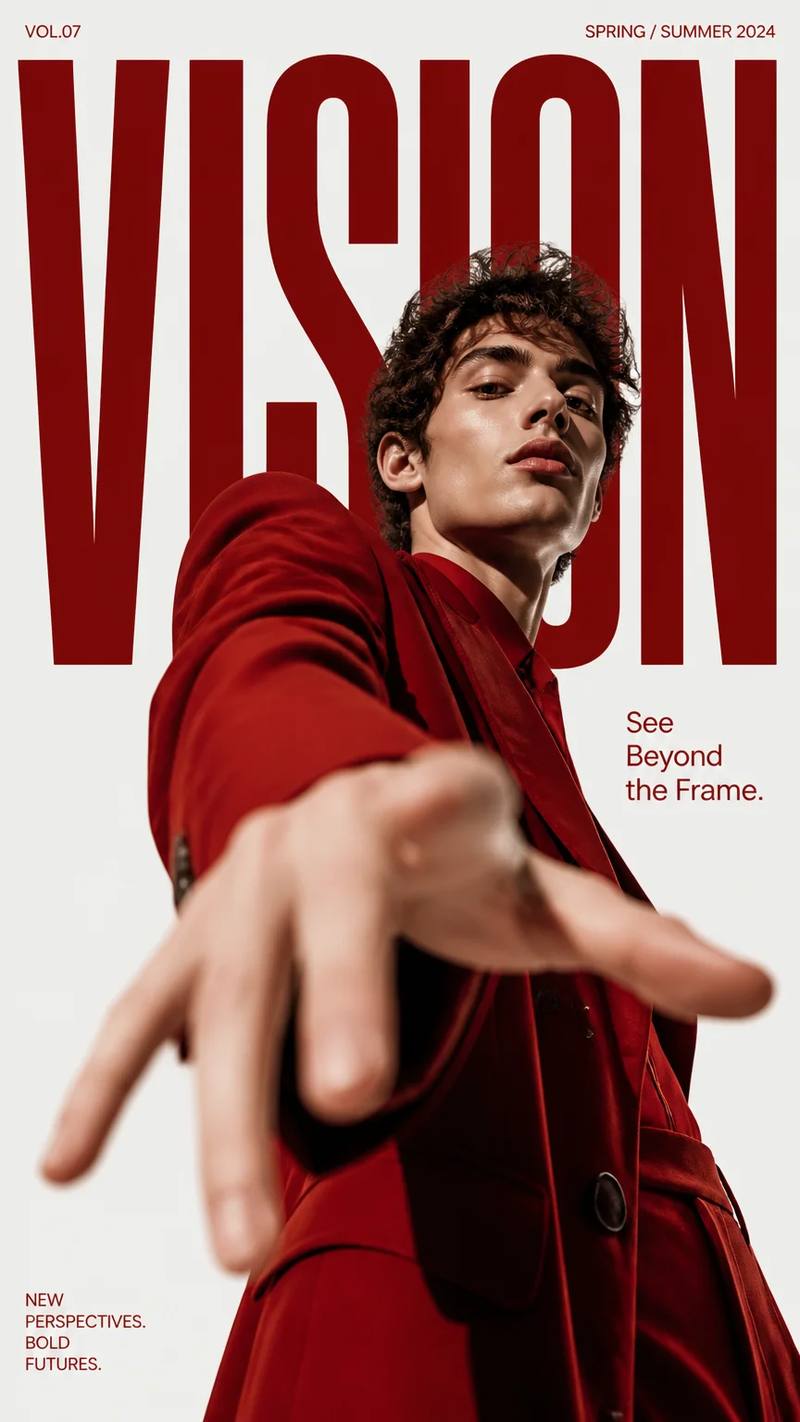
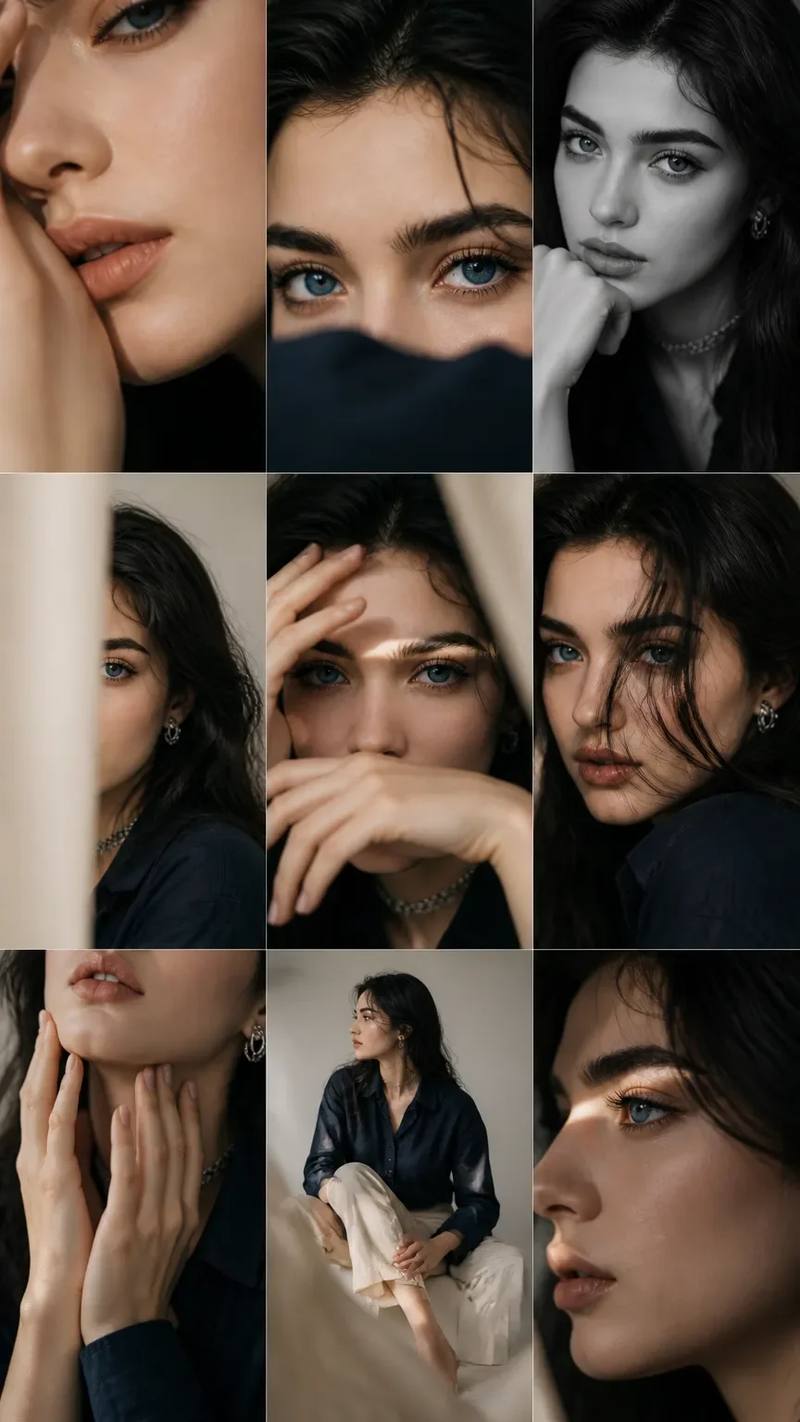
A fast-growing prompt category
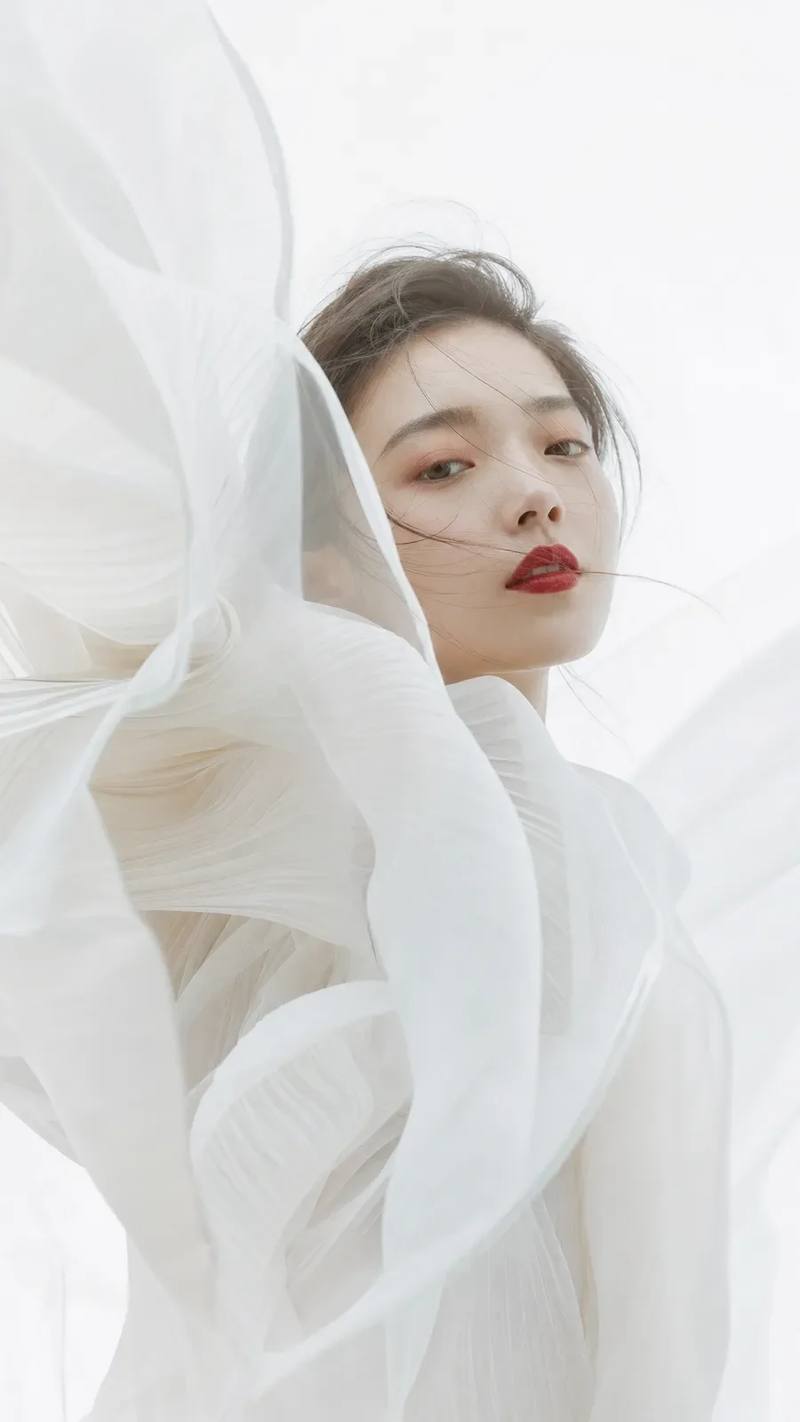
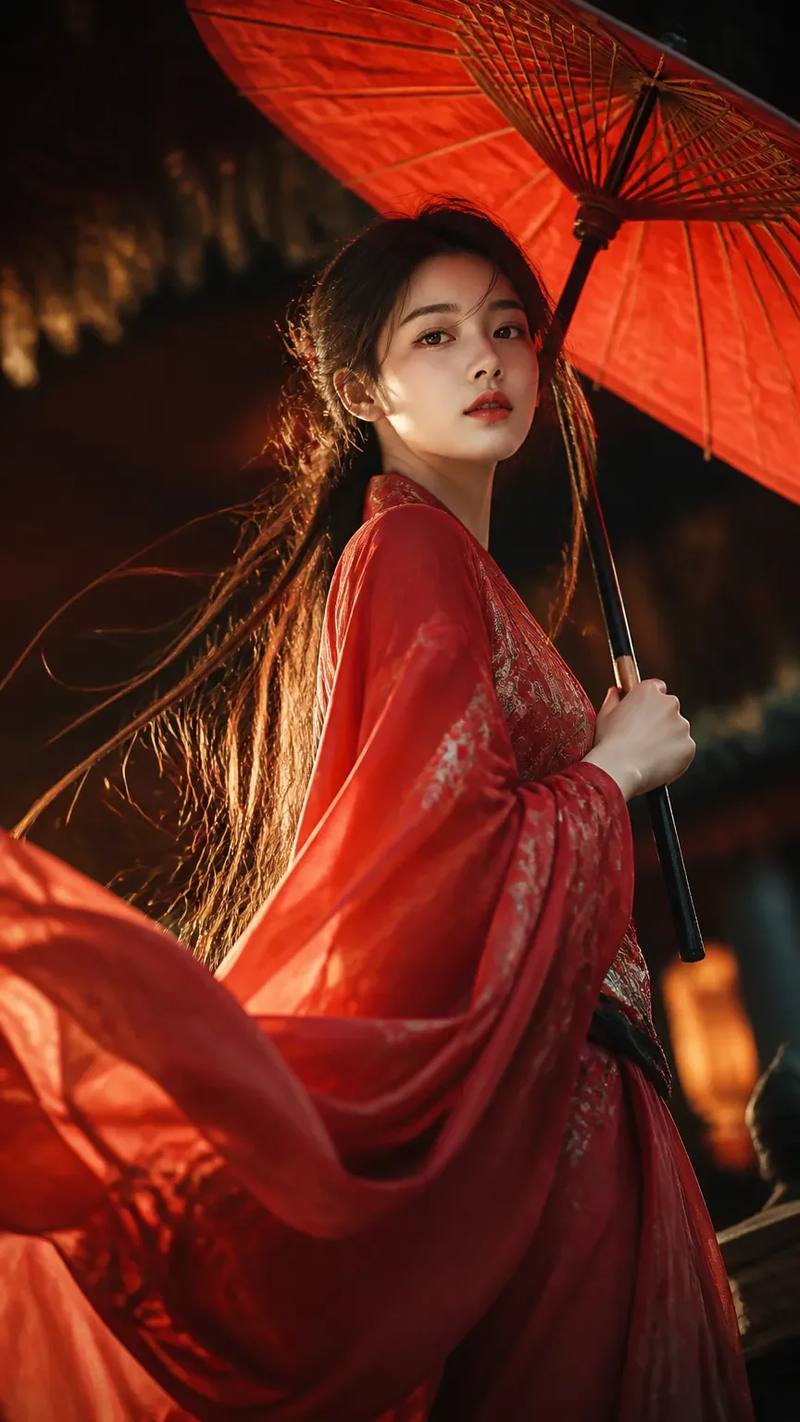
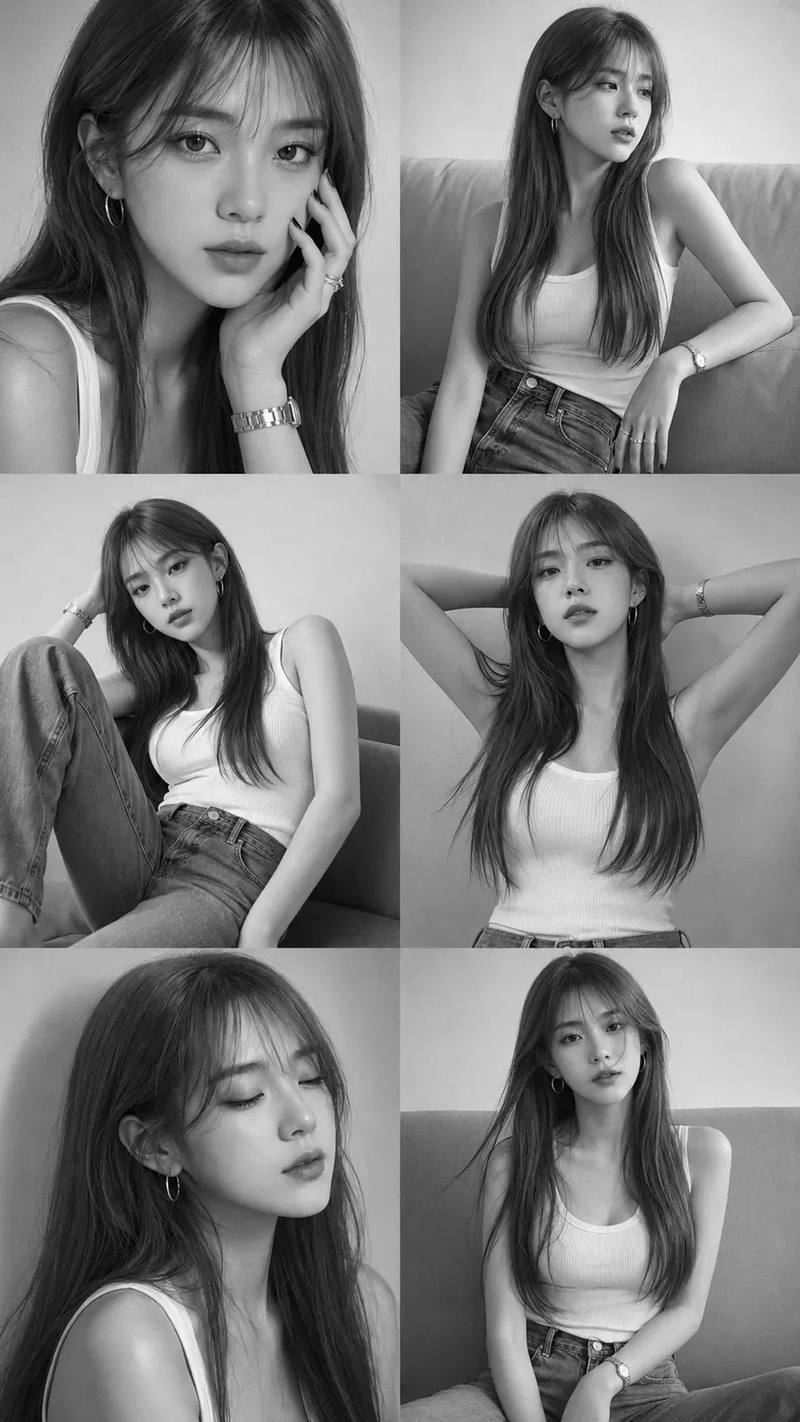
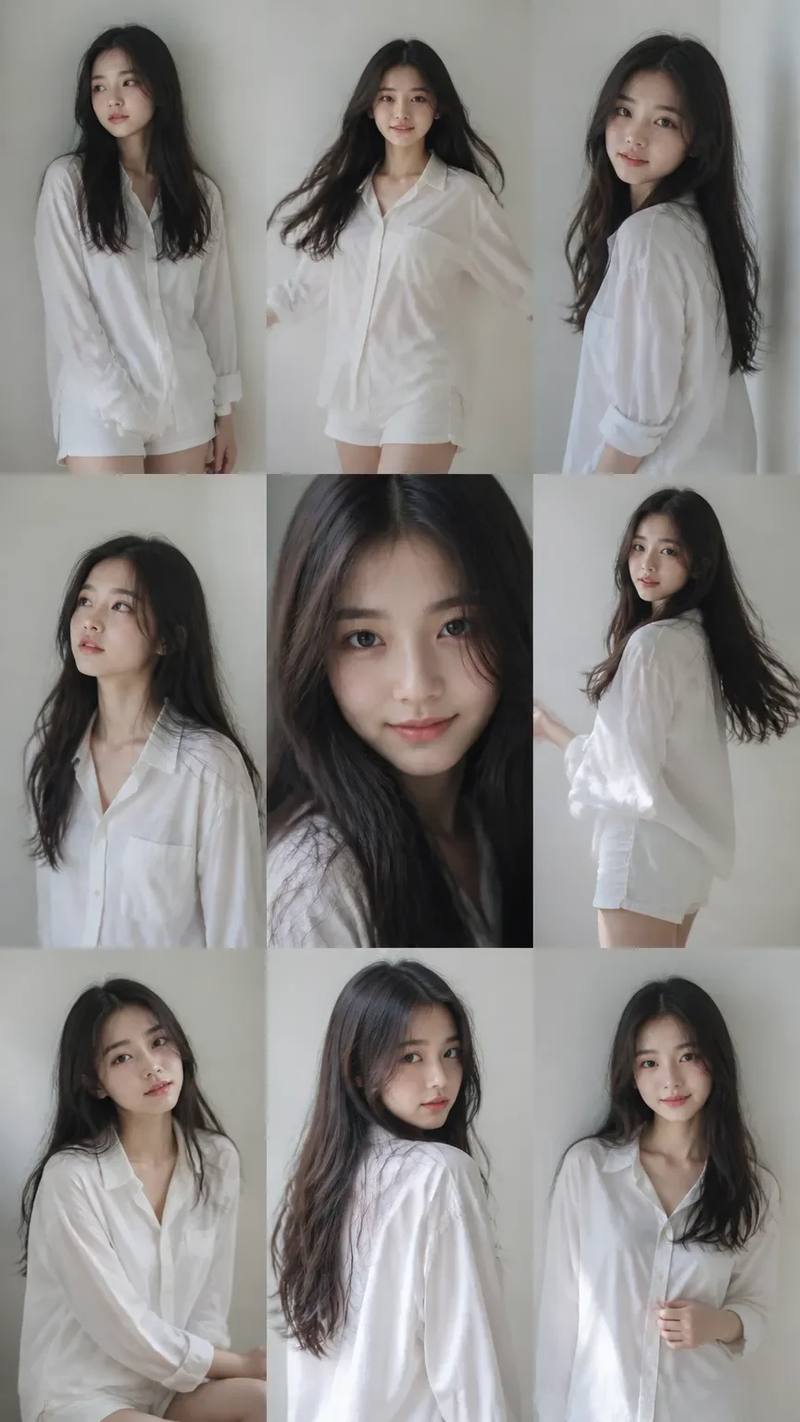
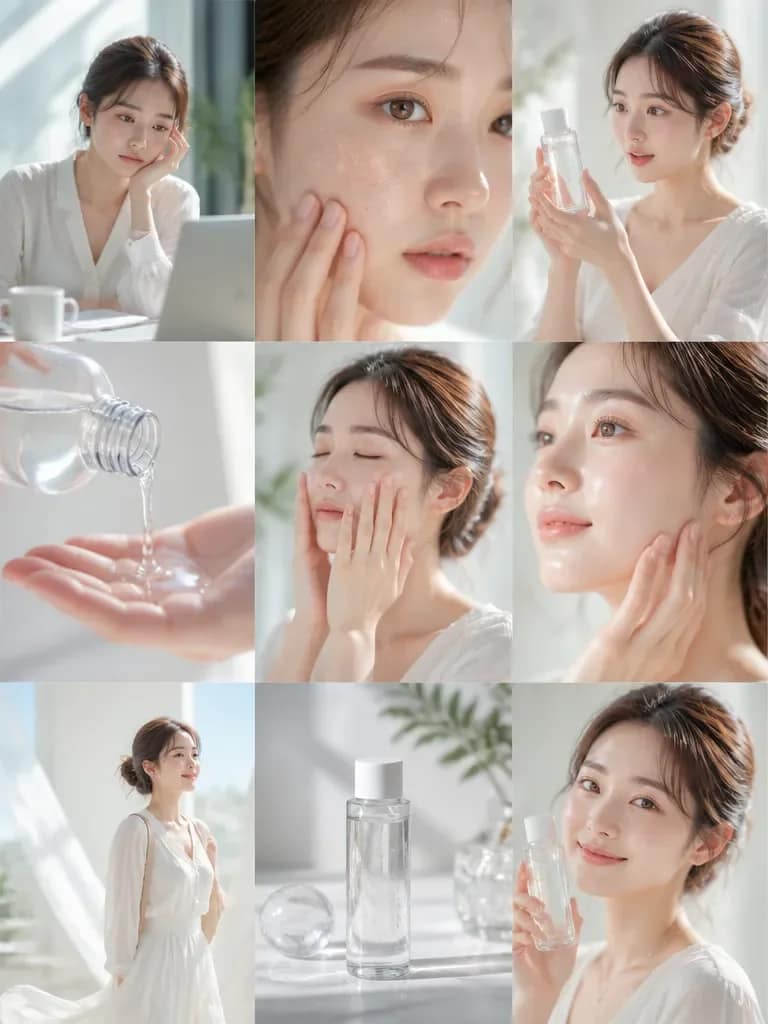
AI Photo Prompts
Explore portrait, fashion, studio, cinematic, and lifestyle photography prompts with real generated examples.
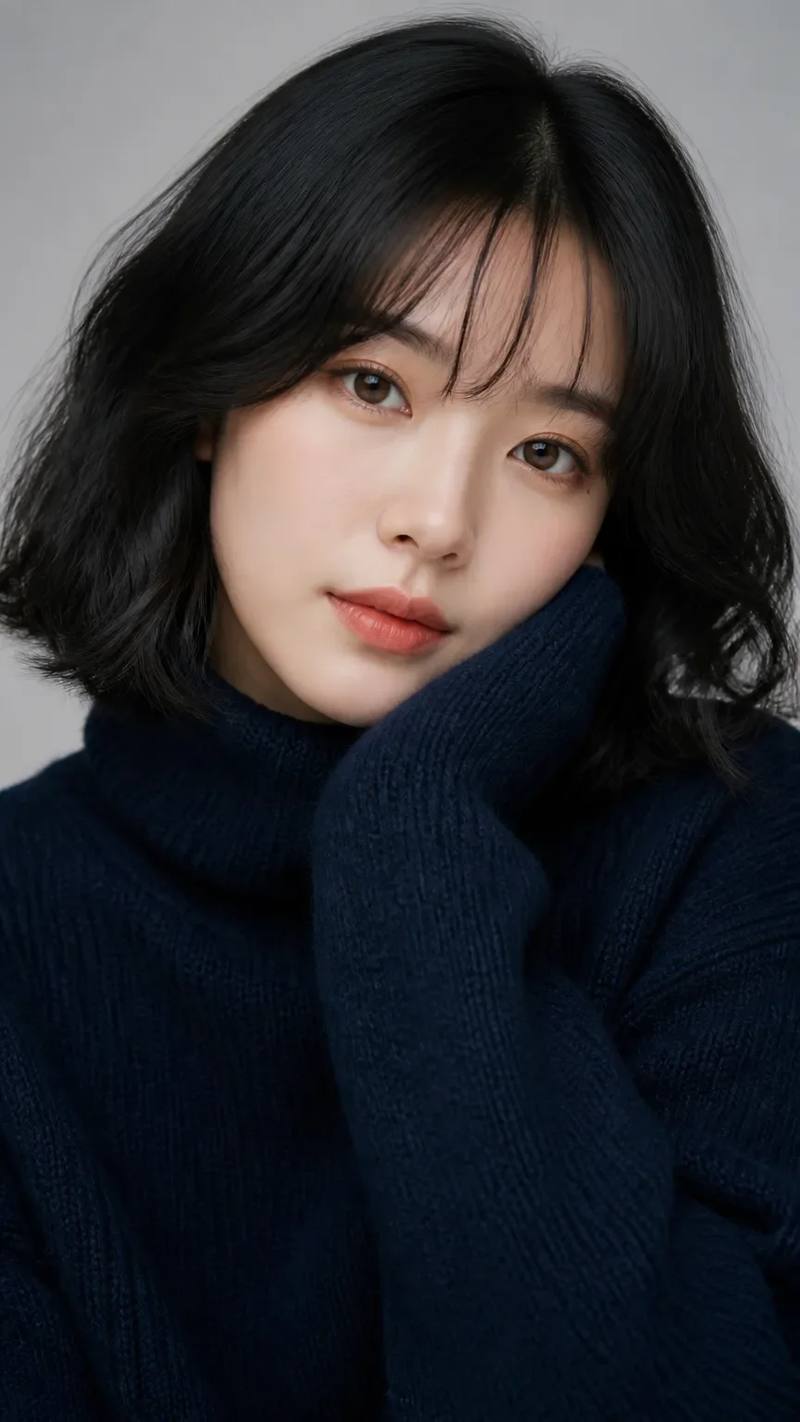
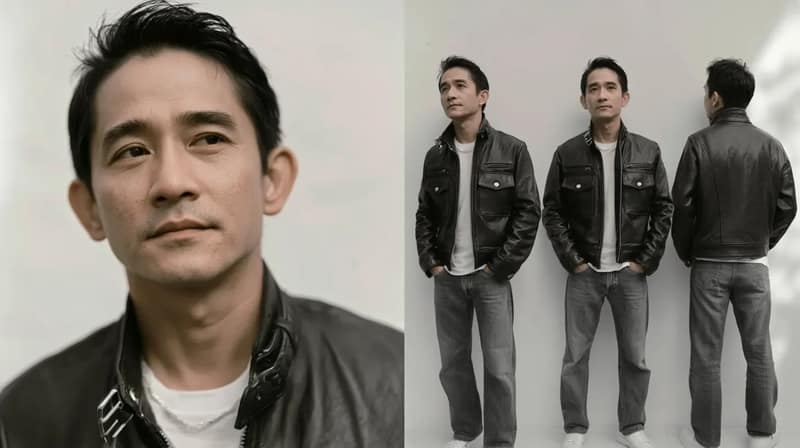
AI image creation tools
Create with AI
Turn an idea into an image
Describe your concept and generate a new visual with our AI image generator.
Remix with AI
Edit an image without starting over
Describe the change, keep what works, and create a directed variation with Image to Image AI.
Prompt basics
How to write better AI image prompts
Start with the decisions that change the image most. Add detail only when it helps the model understand your brief.
Read the prompt guide- 01
Subject
What should the image show?
- 02
Composition
Where should the focus and space sit?
- 03
Style
How should the image feel and be made?
- 04
Lighting
What controls mood, depth, and contrast?
- 05
Details
Which materials, colors, or constraints matter?
Frequently Asked Questions
What are AI image prompts?
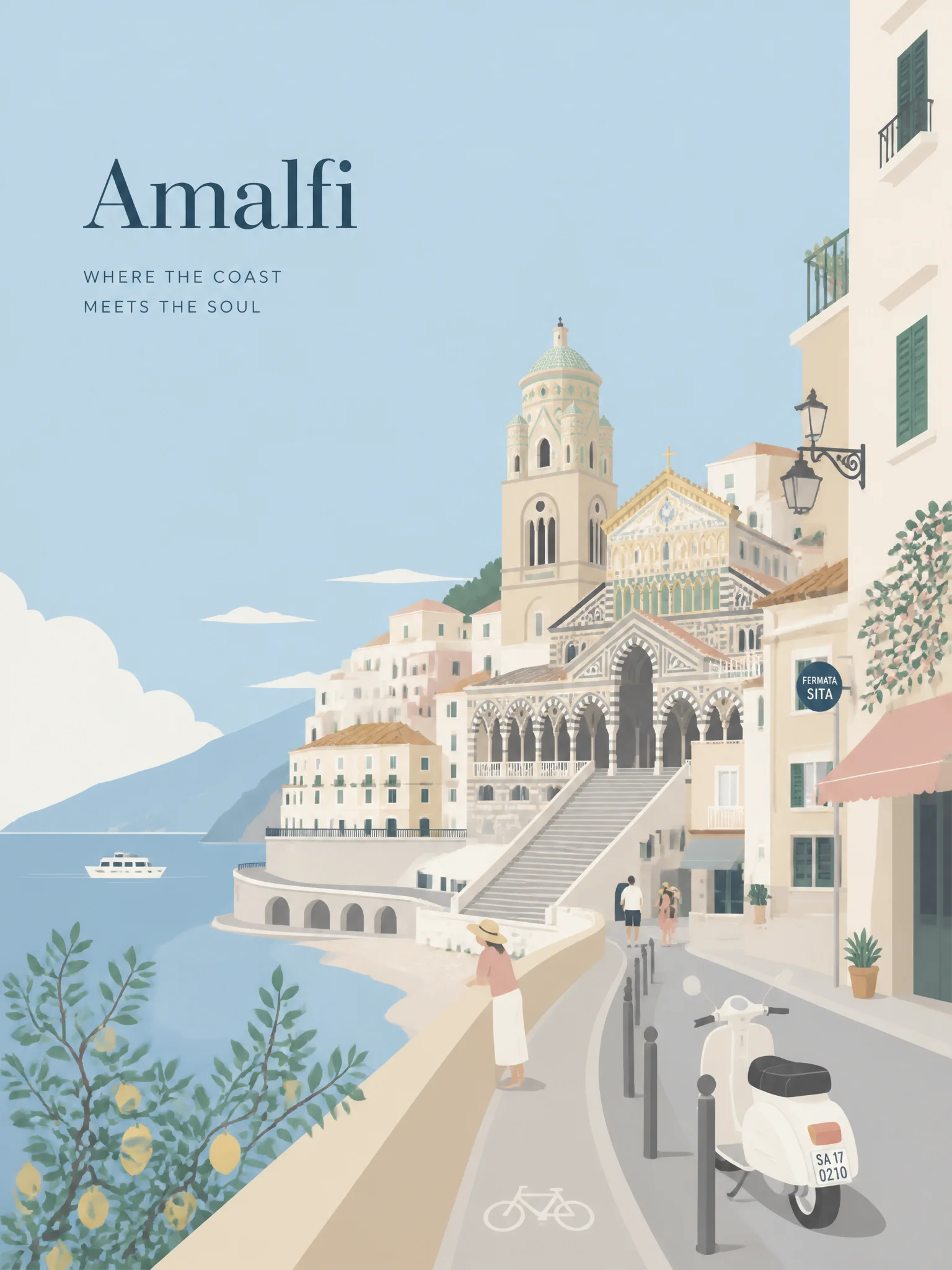
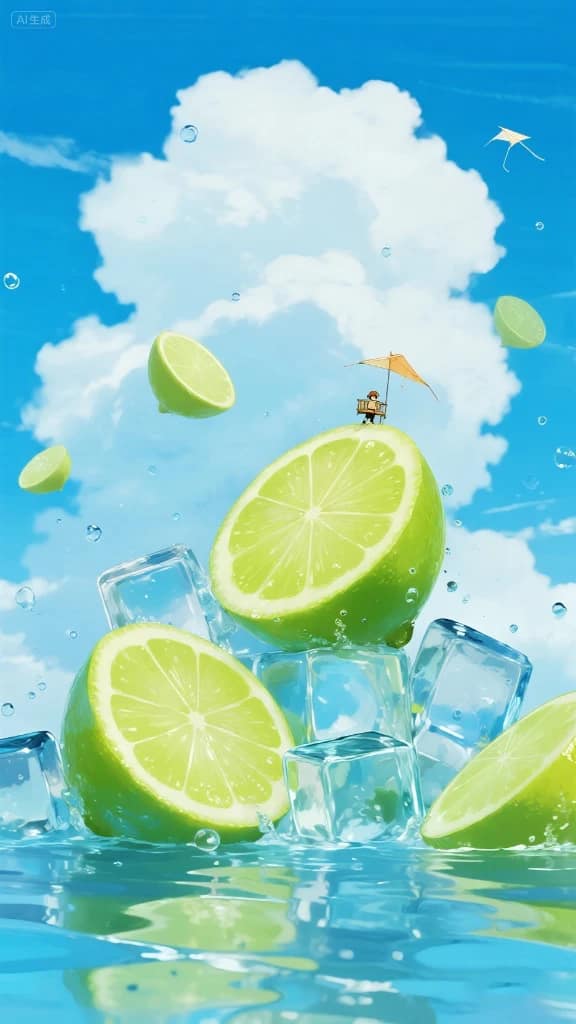
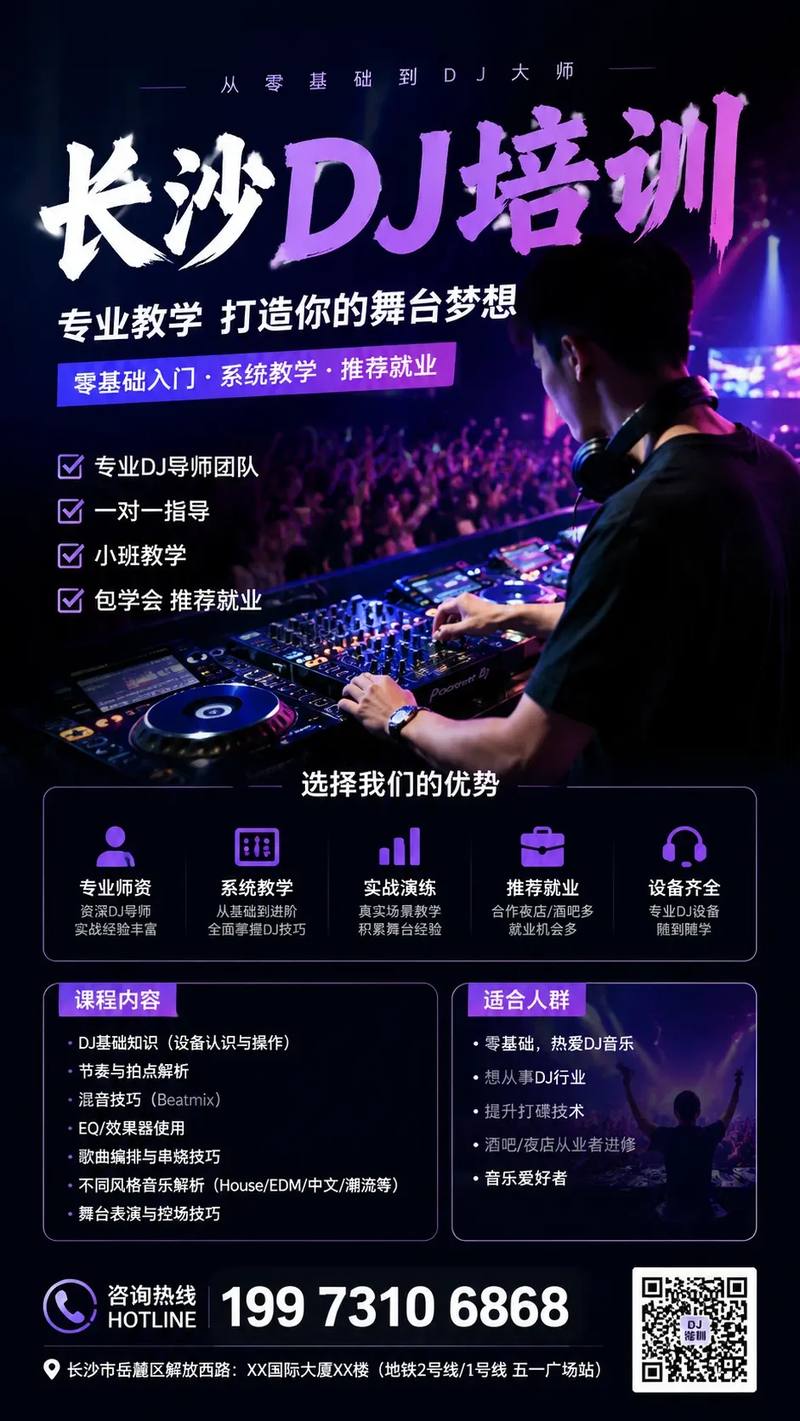
An AI image prompt is the written direction used to describe a subject, composition, style, lighting, and useful details to an image model. Designhint pairs those prompts with real generated examples so you can compare the wording with the result.
Can I browse and use these AI image prompt examples for free?
You can browse the library and view prompt examples without an account. Sign in to copy a prompt. Adapt the wording for your chosen model, and check the model and source-content terms before commercial use.
Which AI image models work with these prompts?
The prompts are model-agnostic starting points. Each artwork page records the model and settings used for that example, but you should adjust syntax, references, parameters, and aspect ratio for the model you choose. Identical results are not guaranteed.
How do I copy and remix an AI image prompt?
Open an artwork to review the prompt and model settings, then sign in and choose Copy prompt. Paste it into your model, change the subject or visual direction, or send a reference image to the Image to Image tool for a directed variation.
Can I upload my own AI artworks and prompts to Designhint?
Yes. Create a free account, click the "Upload" button, and share your AI-generated artwork along with the prompt and model settings you used. Credit is given to the original creator, and the community can like and favorite your work.
Do I need to create an account to browse prompts?
No account is required to browse and search the library or view prompts. Sign in to copy prompts, upload artworks, like or favorite works, and use account-based generation features.