01
Describe the image
Identify the visible subject, layout, style, light, color, and materials.
Designhint AI Tools
Turn a photo or reference image into an editable AI prompt. Copy it, refine the visual details, or keep creating with Designhint.
Public HTTPS links only. Some hosts block browser access; upload the image if loading fails.
Loading daily allowance…
Examples
An unbranded ruby-red glass perfume bottle stands on a black mirror-polished stone plinth. Warm amber light cuts through a deep burgundy backdrop and faint haze, creating controlled red reflections and sculptural shadows. Close-up campaign photography highlights crisp glass refraction and a refined luxury mood.
How it works
Keep the workflow simple: inspect the design, shape the prompt, and decide where to create next.
01
Identify the visible subject, layout, style, light, color, and materials.
02
Review the detailed description and adjust its wording yourself.
03
Start a text-to-image generation or carry the image into Image to Image.
Explore examples
Choose a real use case to load its reference image into the workspace. Loading an example does not start analysis.
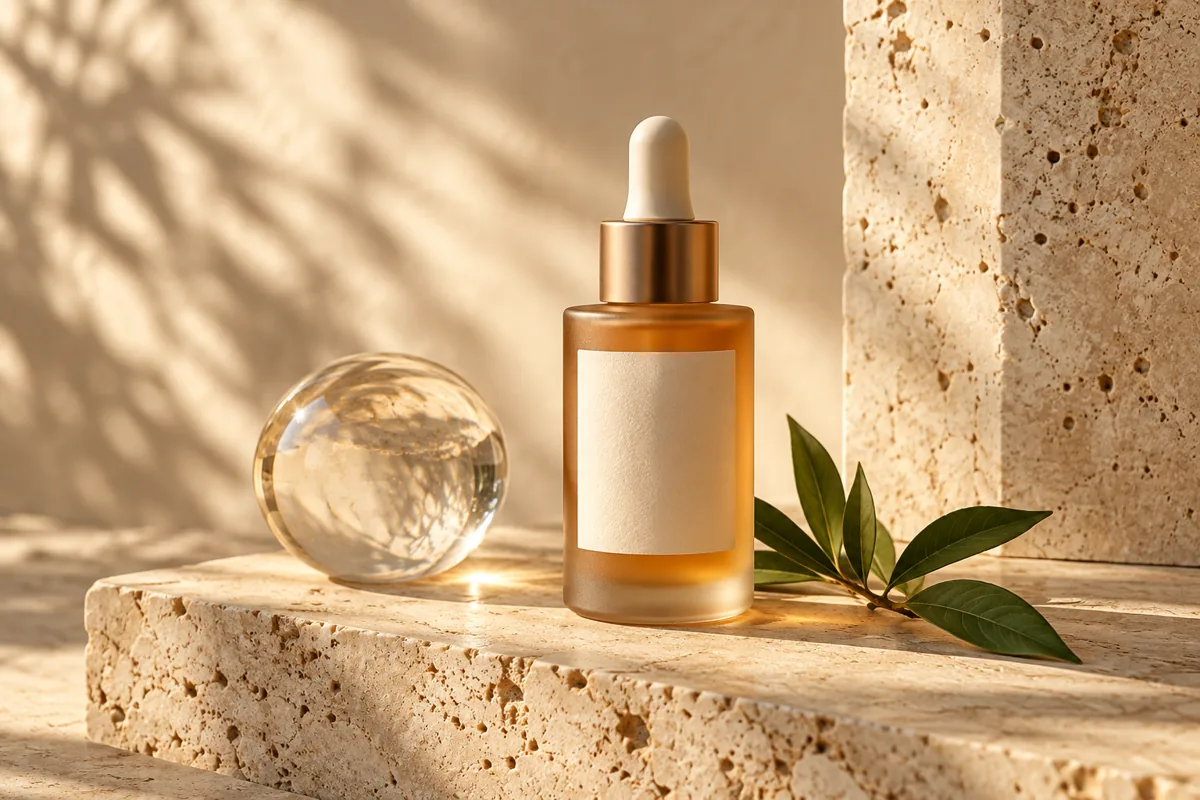
Product advertising
Study lighting, materials, and a polished product composition.
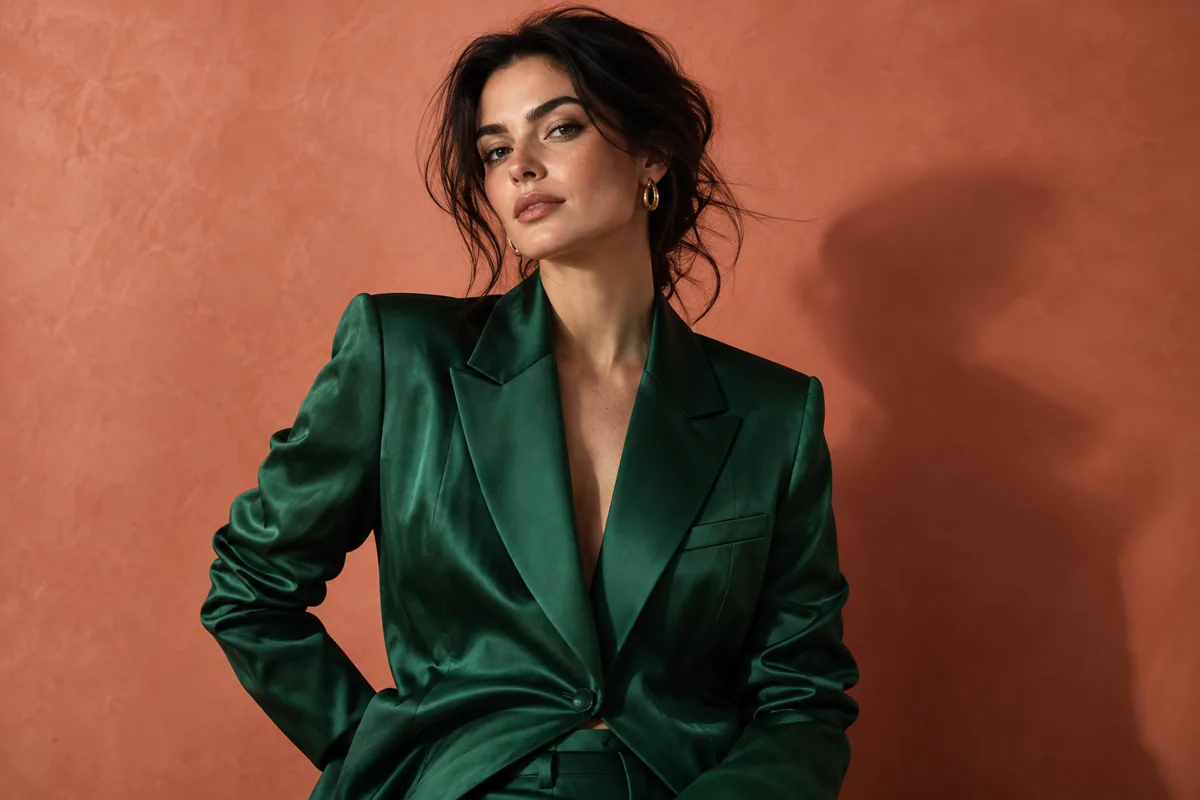
Fashion portrait
Explore styling, color contrast, and portrait lighting.
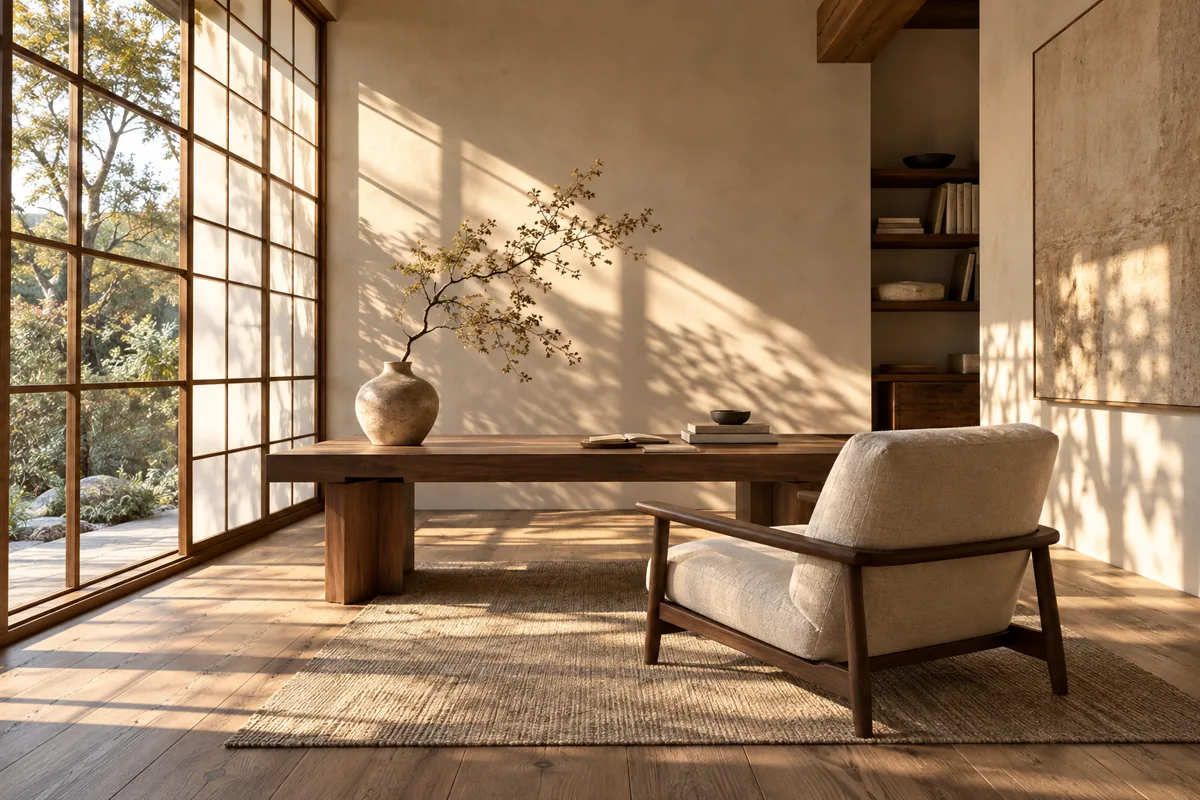
Interior design
Describe spatial layout, materials, and natural light.
Choose based on what you want back: an editable description, or a generated image based on your reference.
| Your goal | Image to Prompt | Image to Image |
|---|---|---|
| What you provide | One image | One or more reference images |
| What you get | Editable prompt text | A newly generated image |
| Best for | Understanding and reusing a style or layout | Editing or restyling a reference image |
FAQ
How image analysis, daily limits, and the next creation step work.
It describes visible details as a new, editable AI prompt. It cannot recover the prompt originally used to create the image.
It can identify the main subject, setting, composition, visual style, lighting, colors, materials, layout, and readable text. Small or unclear details may be missed.
JPG, PNG, and WebP images up to 10 MB. Images are prepared in your browser before they are sent for analysis.
Visitors can analyze one image per IP address each day. Free accounts get two daily analyses, credit purchasers get ten, and active subscribers get fifteen. Each additional analysis costs one credit. Limits reset at midnight China Standard Time.
Image to Prompt does not publish the uploaded image or save it to your Designhint account. The image is sent to the AI provider to produce the analysis. Choosing Edit this image stores a temporary draft in this browser for the Image to Image workflow.
No. It is an interpretation of the visible design. Review small text, logos, and fine details, then edit the prompt before generating.
Image to Prompt returns editable text to help you understand and reuse a visual style. Image to Image uses an uploaded image as a reference for a new image edit.
Yes. Choose Midjourney, Structured Prompt, or JSON, then review and edit the visual description.