AI background remover

Online AI Background Remover

Remove image backgrounds in one click. Hair-level precision, transparent PNG output. Perfect for e-commerce, design, and social media.

Choose or drag an image here

3 credits per image. JPG, PNG, or WebP up to 10 MB.

Try a sample image

JPG, PNG, WebP · 10 MB max

Result
Original
Original
Result

AI Background Removal for Every Image

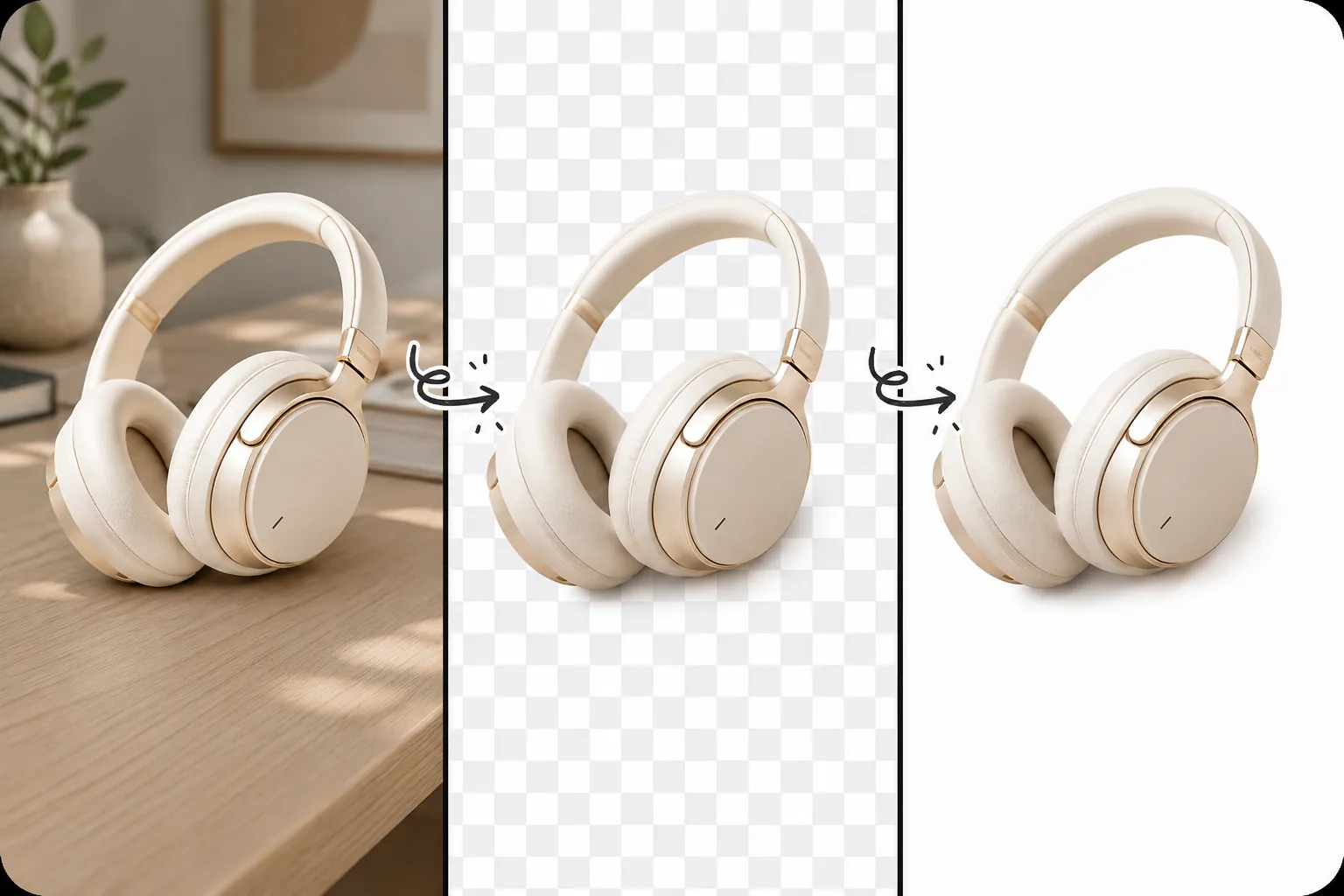
Whether it is hair-level portraits or fine graphics, AI can quickly and accurately remove the background, generate transparent images in 3 seconds, and fully preserve the original high-definition quality, making even difficult images present natural and clear cutout effects.

Remove sofa background and make white background image

Product Showcase

  • Generate transparent product images for e-commerce platforms
  • Add natural shadows for more professional displays
  • Adjust lighting effects to highlight product texture details

Professional Background Removal

From products to portraits, our AI handles every detail.

E-commerce Product Background Removal

Remove backgrounds for product images to create clean, professional e-commerce listings. Add natural shadows and adjust lighting to make your products stand out.

  • Generate transparent product images for all platforms
  • Add natural shadows for professional presentations
  • Adjust lighting to highlight product textures
E-commerce Product Background Removal

Portrait Cutout for Social Media

Preserve hair details and contours precisely. Turn ordinary photos into professional ID photos or social media avatars.

  • Hair-level precision edge detection
  • Optimize portraits into professional ID photos
  • Retain original details and texture
Portrait Cutout for Social MediaPortrait Cutout for Social MediaPortrait Cutout for Social Media

Why Choose Designhint

A side-by-side comparison of leading cutout solutions.

Edge precision

Hair-level accuracy

Stable on complex edges, hair, jewelry and other high-detail cutout scenarios with consistent results.

Output quality

High resolution

Output quality meets e-commerce and everyday use without post-processing.

Processing access

Online processing

Sign in to process images online.

Entry barrier

No skill required

Upload to complete cutout and basic editing with zero learning curve.
How to Remove Background

1
Upload an Image

Upload an Image

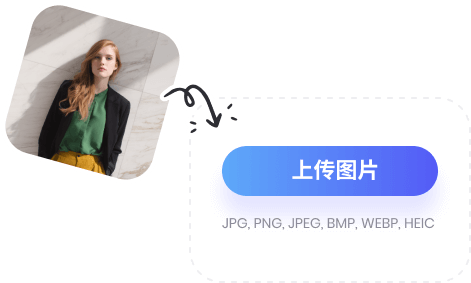
Upload or drag in a JPG, PNG, or WebP image up to 10 MB.
2
AI Removes the Background

AI Removes the Background

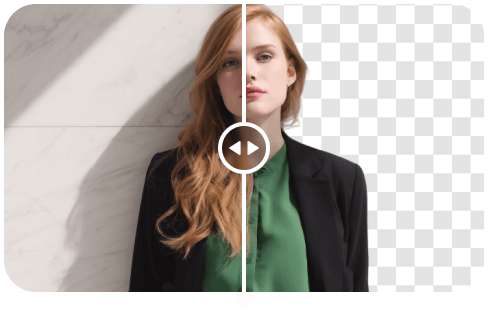
AI detects the subject and separates it from the background in seconds.
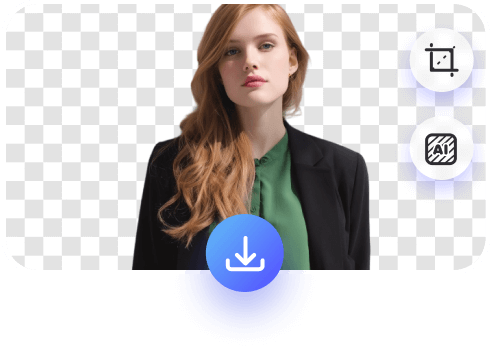
3
Download Your Result

Download Your Result

Download a high-resolution transparent PNG for your store, design, or social post.

FAQ

What image formats are supported?
JPG, PNG, and WebP images up to 10 MB are supported. Results are exported as transparent PNGs for design tools and e-commerce platforms.
How does AI background removal work?
Our AI identifies the subject and background automatically with pixel-level edge detection, including hair, complex outlines, and detailed product edges.
Can I use it on mobile and desktop?
Yes. This web-based tool works on desktop, tablet, and mobile without requiring an installation.
How can I use background removal?
Sign in to use background removal. Available credits and usage rules are shown in the product.
How long are the results stored?
Your processed results are saved privately to your account so you can reopen and download them. Original uploads are not stored.

Ready to remove backgrounds?

User Feedback