What Can AI Image Editing Do? Practical Everyday Uses
Explore practical AI image editing examples, from background replacement and text translation to expanding images for slides.
Table of Contents
A slide image is too narrow, a poster needs an update, or a great photo has a distracting background. Upload an image and describe the change you want to try.
Change backgrounds
A good portrait or product photo can get a cleaner setting or a completely new scene.
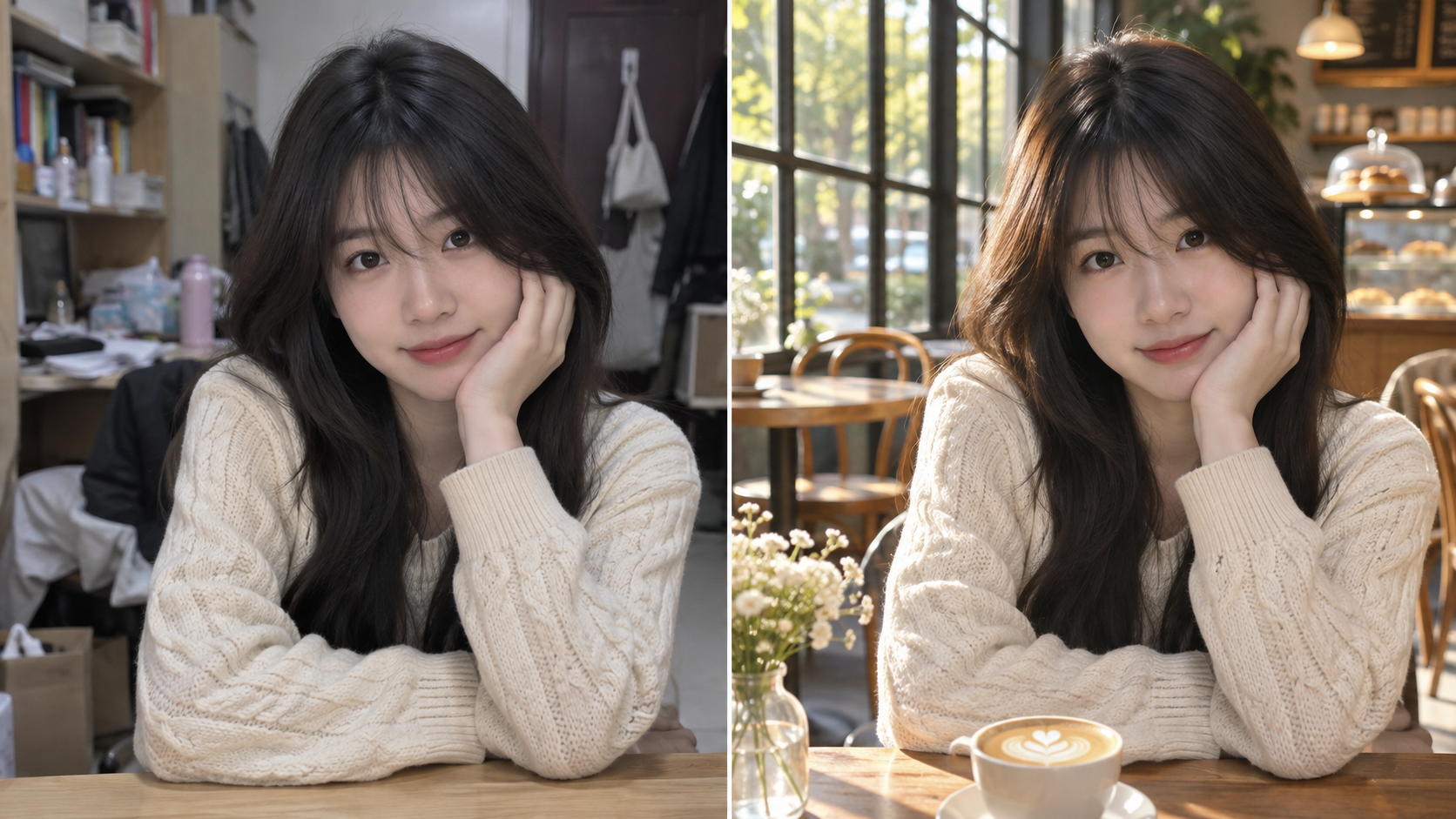
Replace the background with a sunlit cafe. Keep the person’s face, clothes and pose.
Remove distractions
Remove a passerby or a cable from the frame and fill in the background.
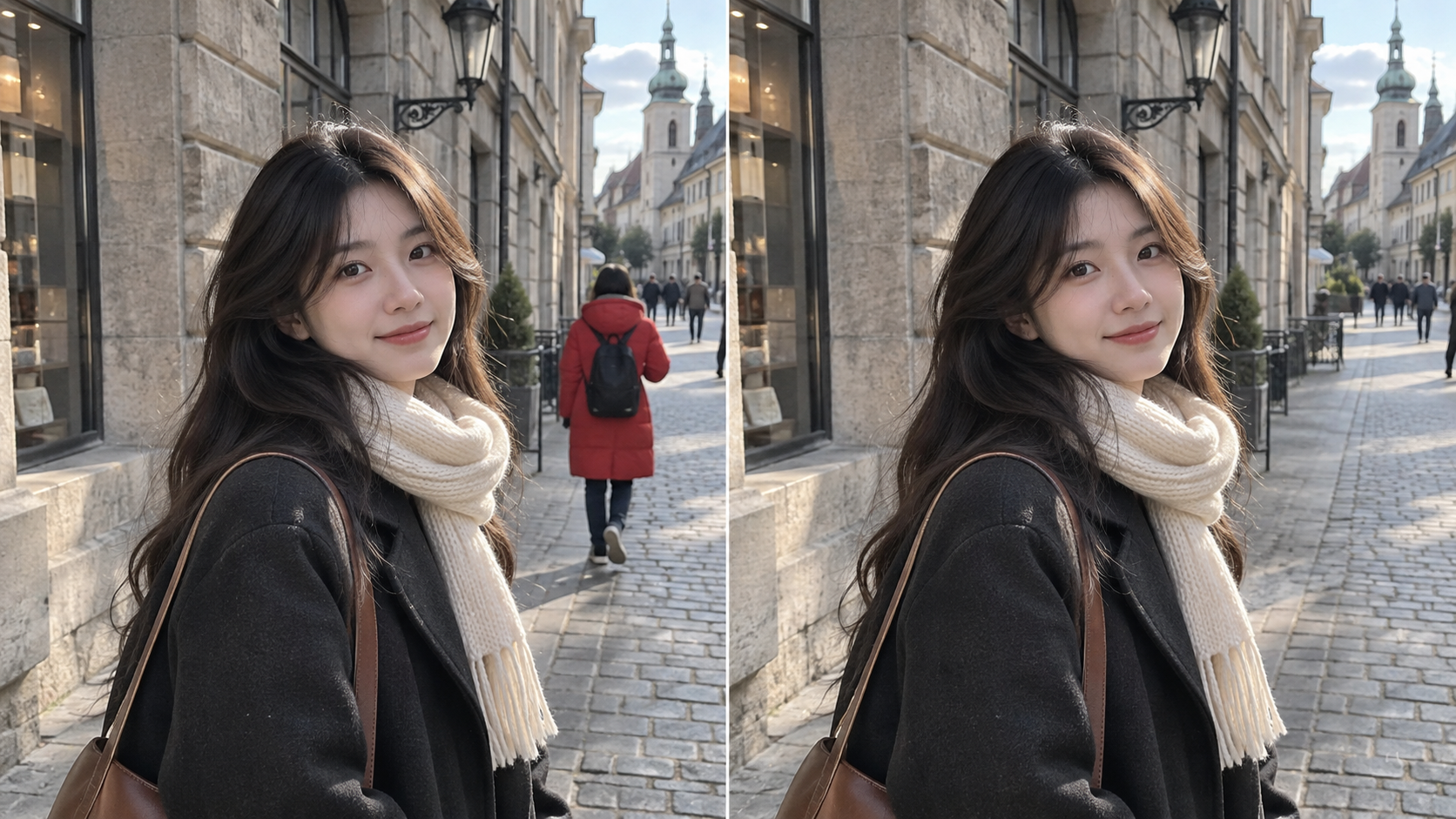
Remove the person in red behind me and keep the street and buildings.
Edit poster text
Update a job title or salary on a poster, then carefully check important details.
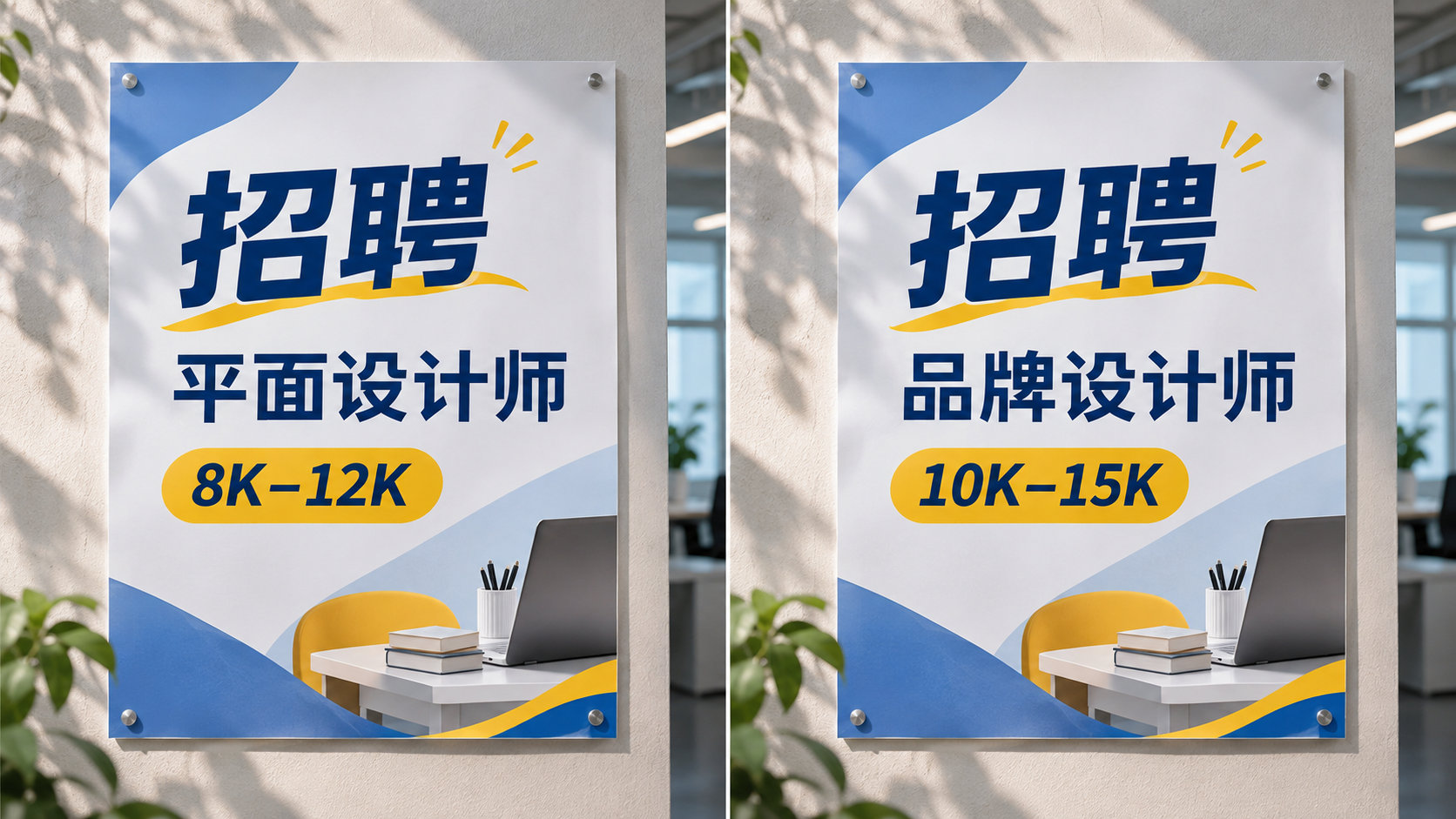
Change the job title to Brand Designer and the salary to 10K–15K. Keep the rest unchanged.
Translate text in images
Translate a menu, product image or poster while preserving its layout. Check important details against the original.
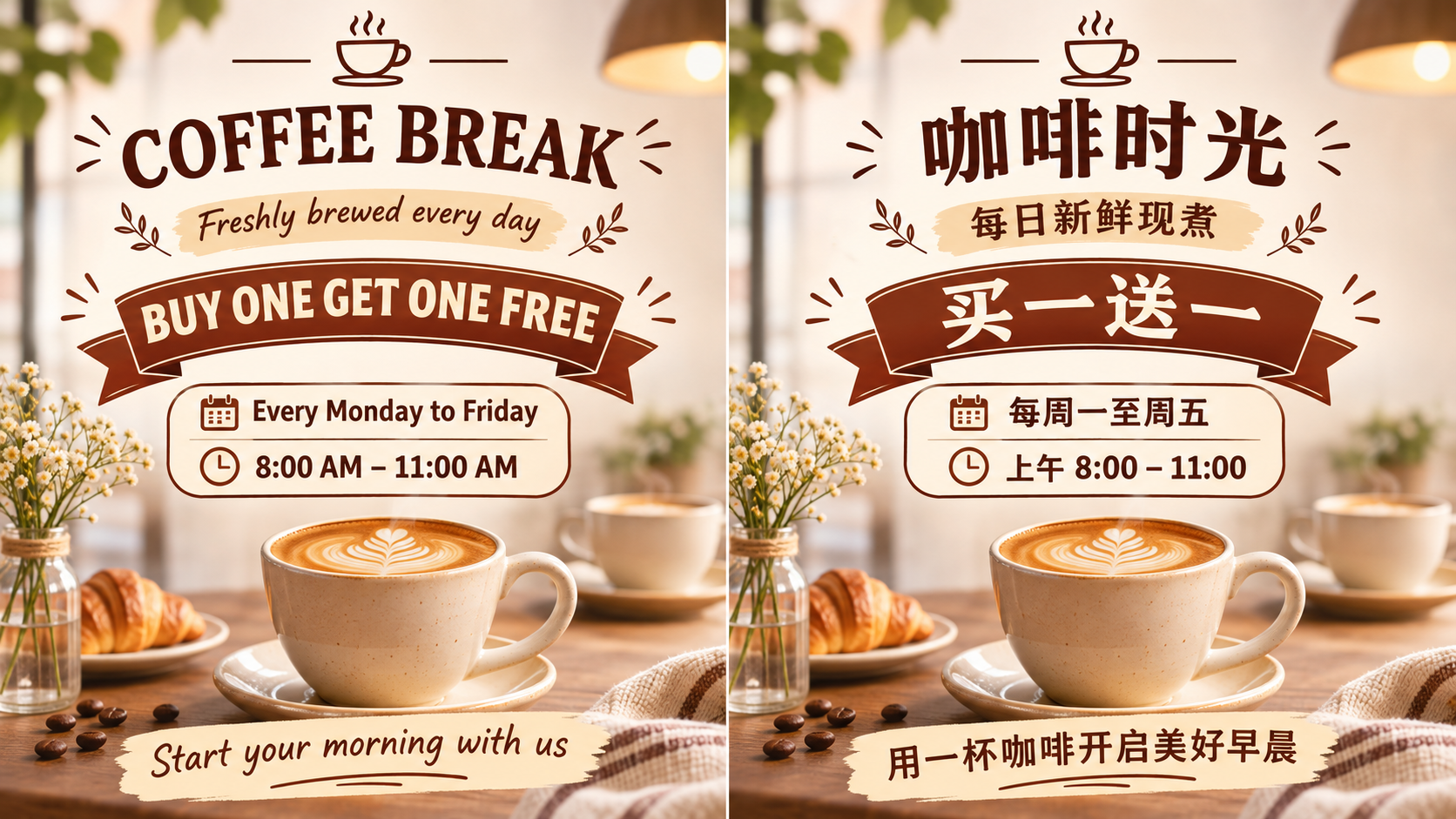
Translate the English text into Chinese and preserve the layout and style.
Expand images for slides
Extend a narrow image to fit a slide or article cover.
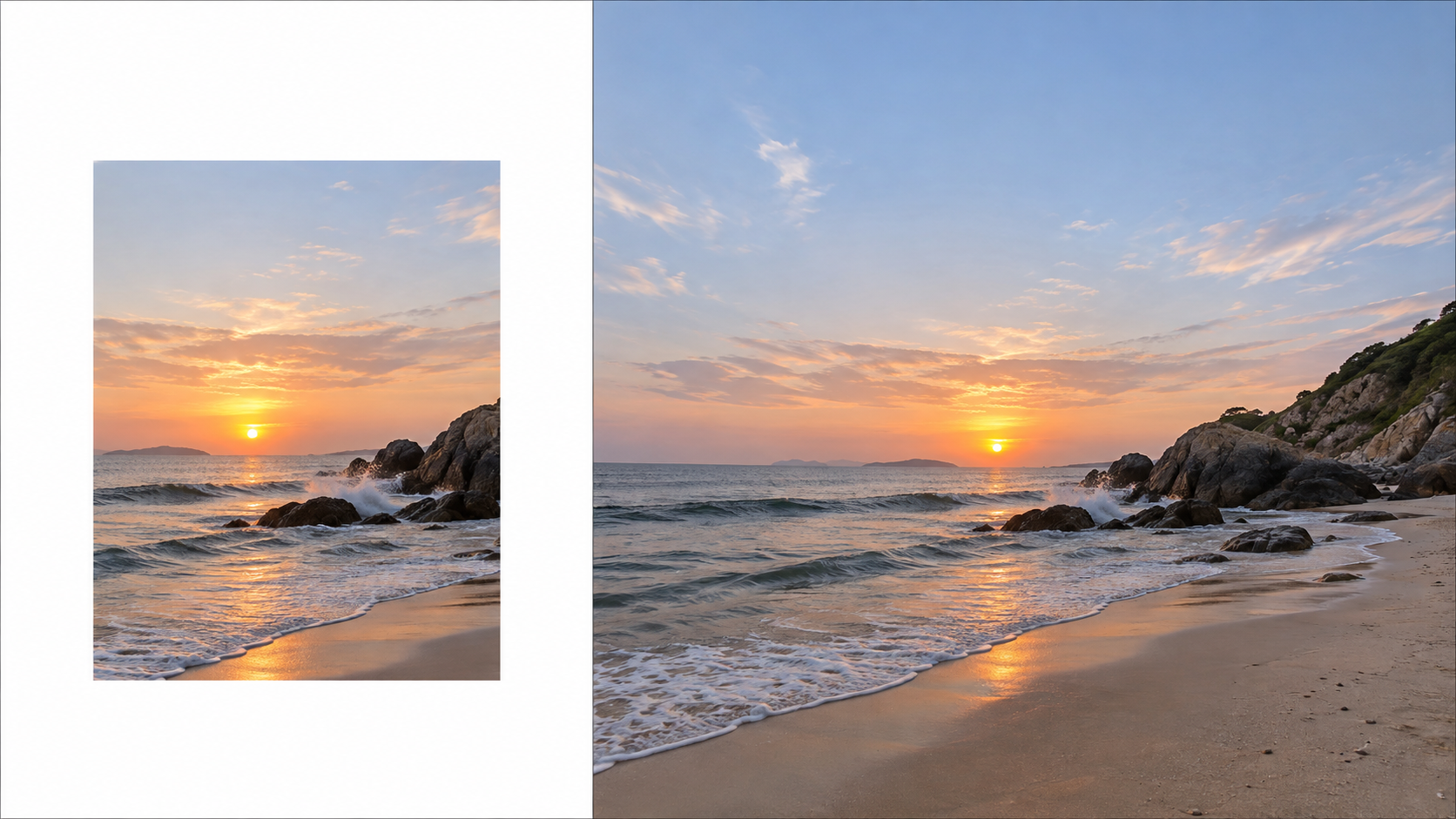
Extend the image on both sides, matching the background and lighting for a landscape composition.
Create a professional headshot
Start with a clear everyday photo and try a simple background and formal clothing. Check that it still looks like you.
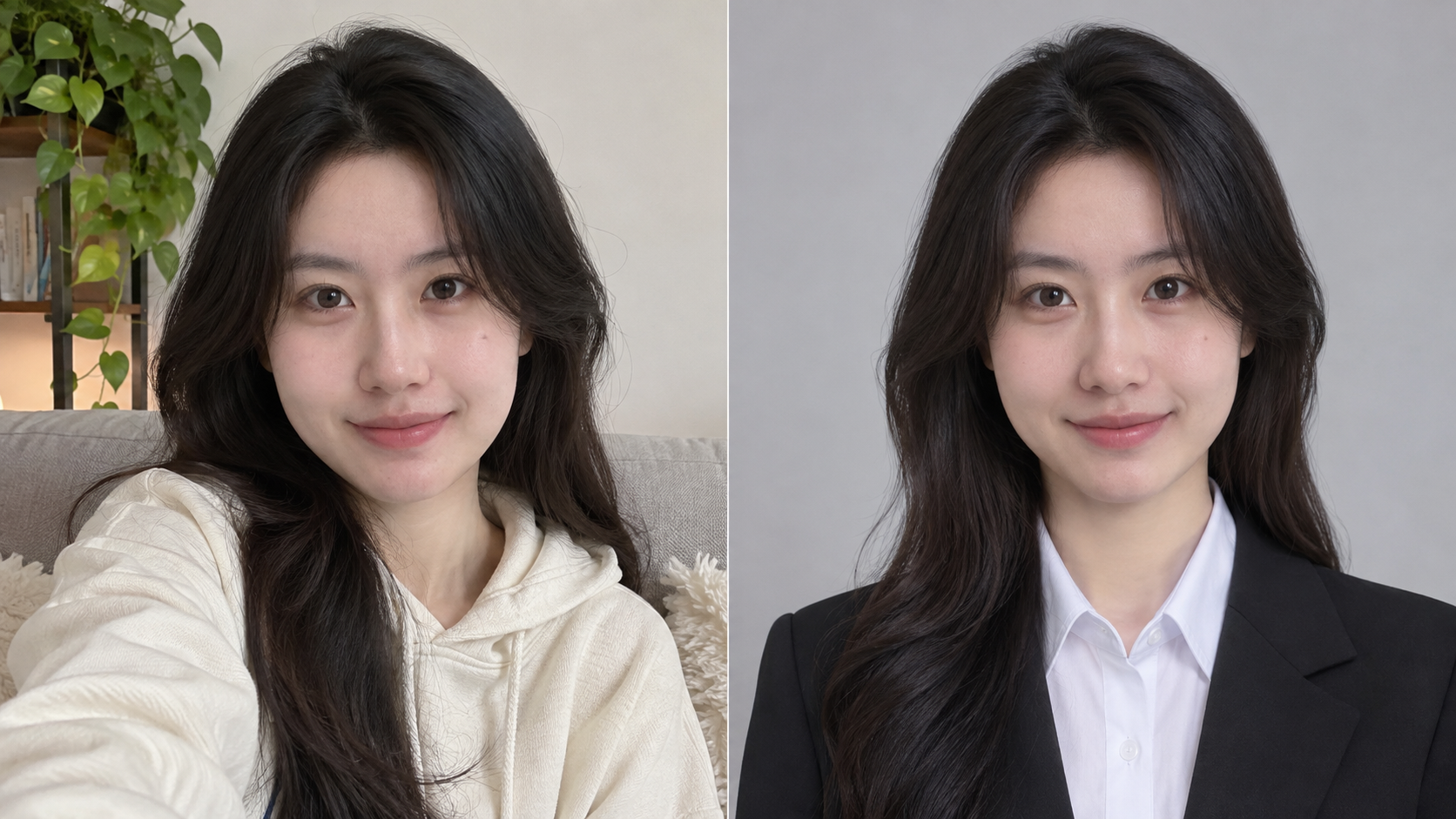
Create a natural headshot with a shirt and light gray background. Preserve my facial features.
Create product scenes
Place a product photo in a new setting. Check its color, packaging and labels against the real product.
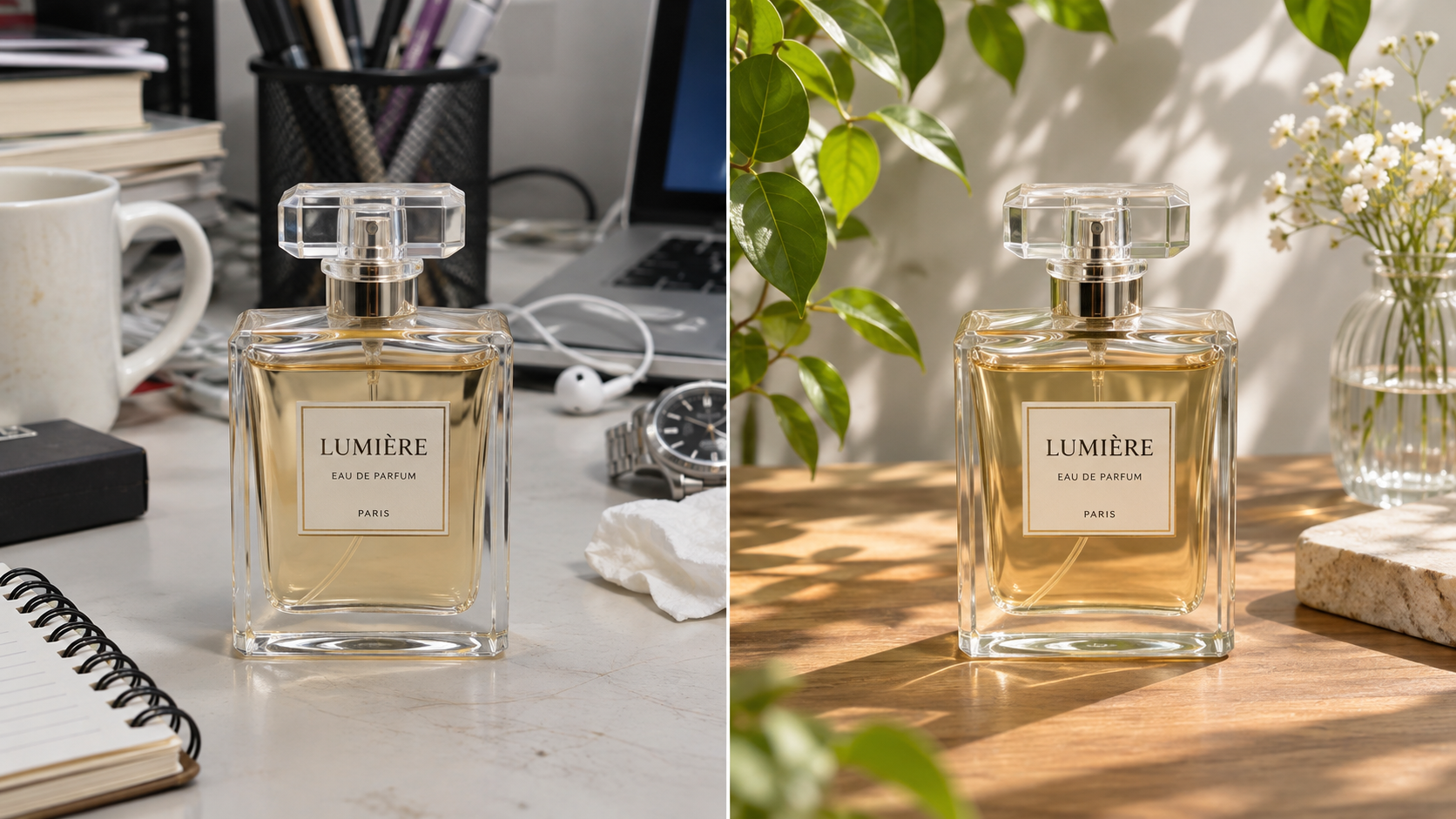
Place the perfume on a sunlit wooden table while preserving the bottle and label.
Restore and enhance photos
Improve a faded, scratched or low-resolution photo. Details invented from missing information may be inaccurate.
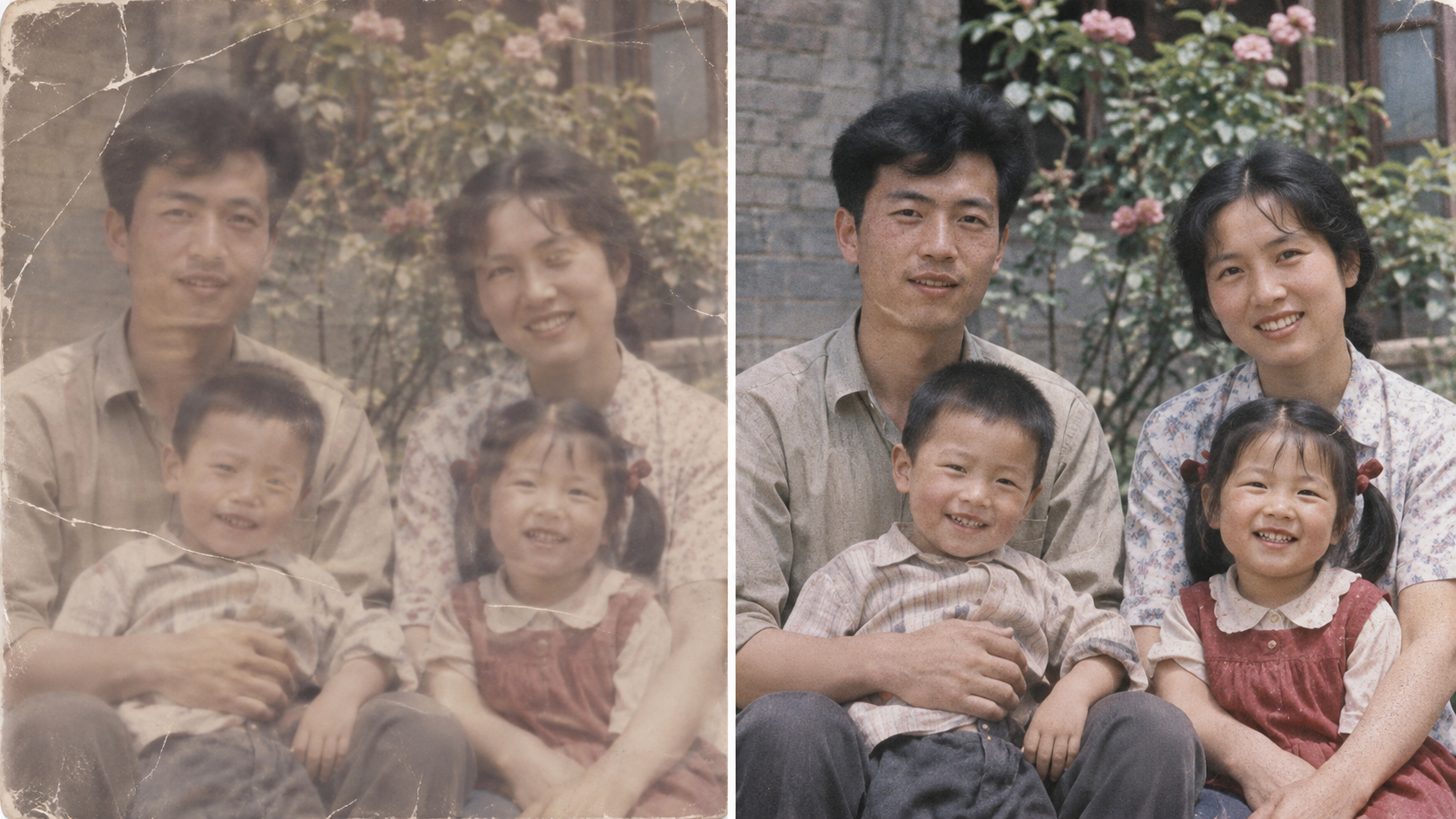
Restore scratches and fading, improve clarity and preserve the person’s face.
Try new styles
Preview a haircut or outfit, or turn a pet photo into an illustration. Results are useful for inspiration, not an exact preview.
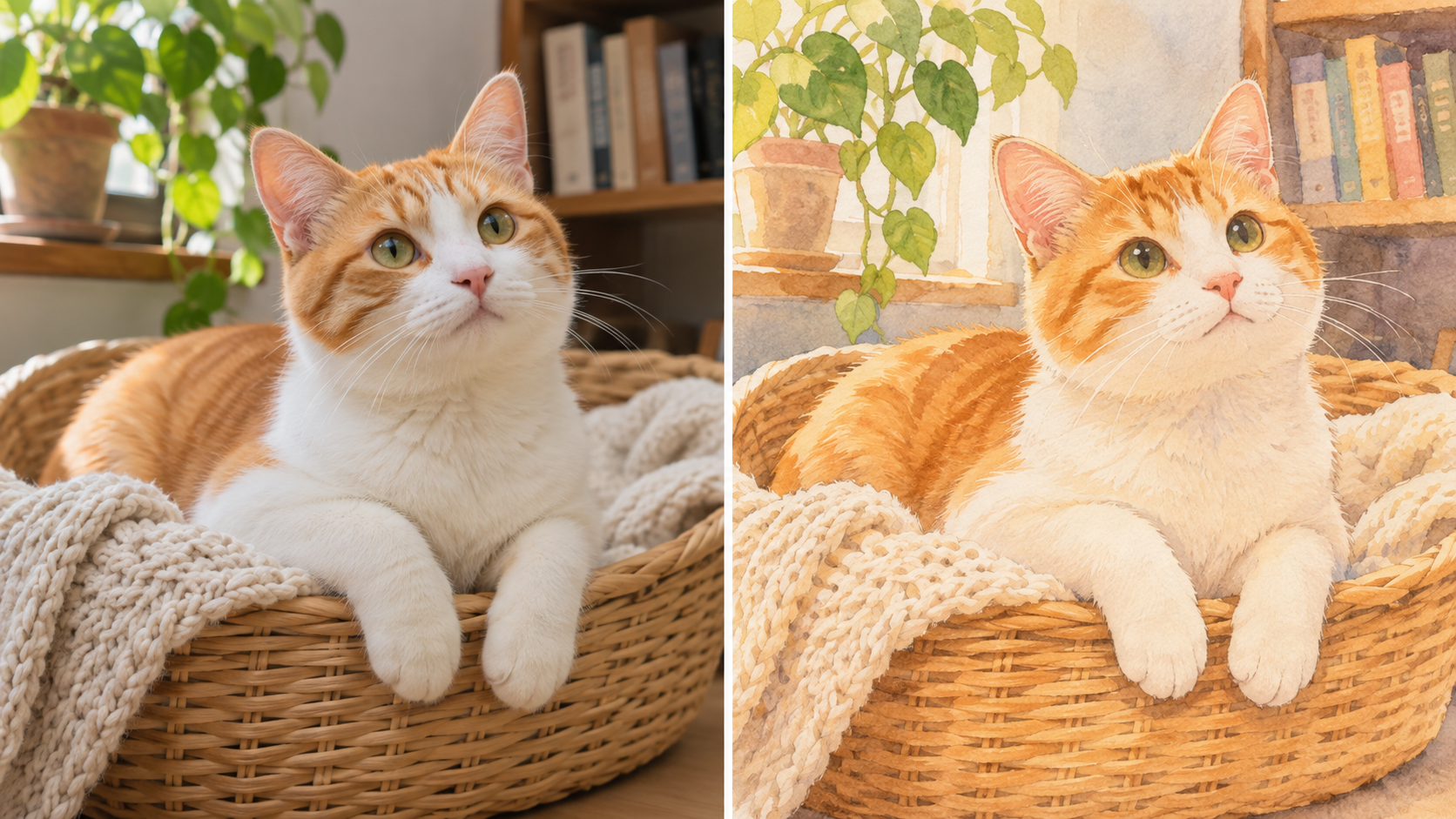
Turn this cat photo into a warm storybook illustration, keeping its markings and pose.
Remove an old mark
Remove an old mark from an image you have permission to edit.
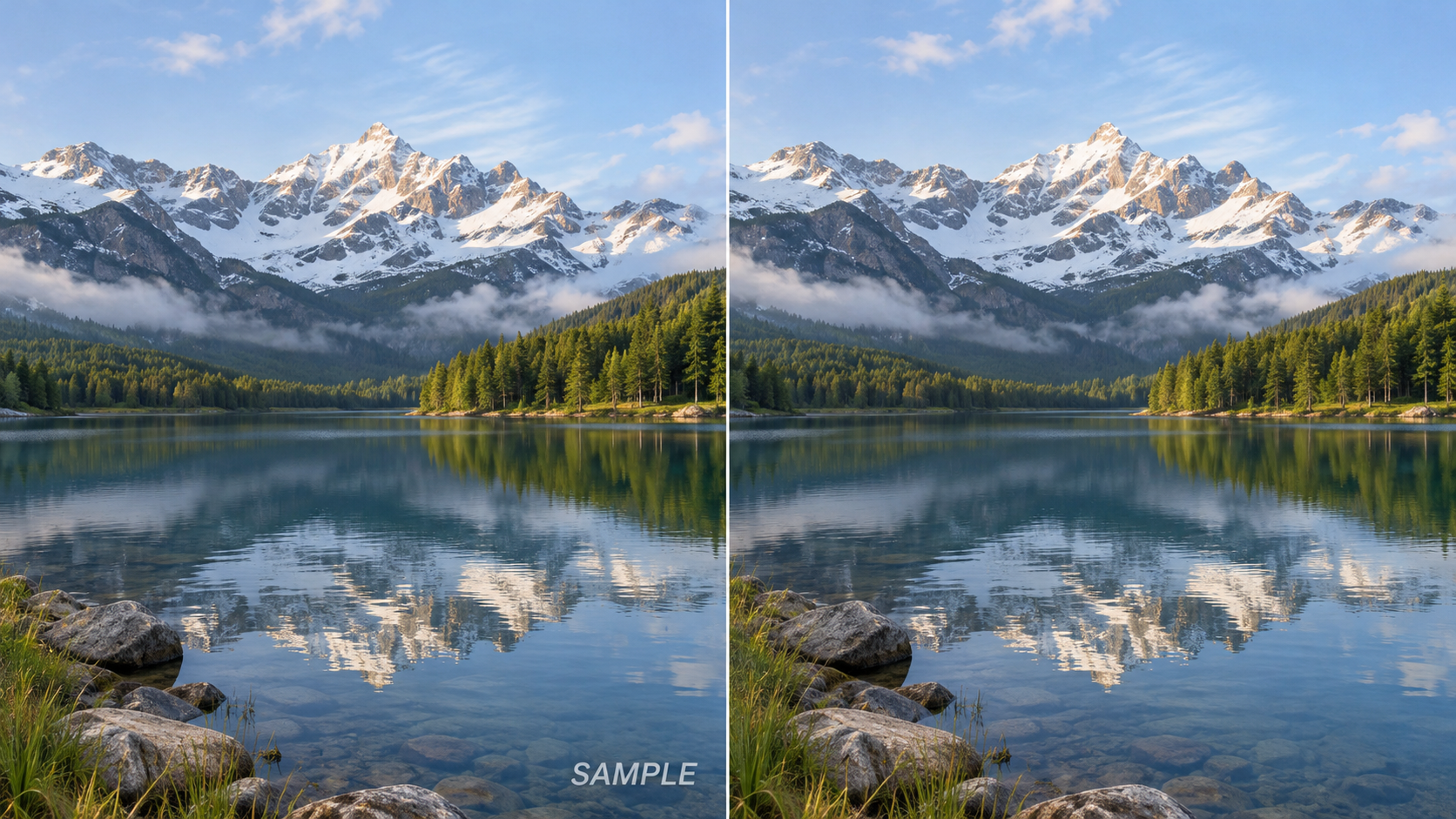
Remove the old mark in the lower right and fill in the background naturally.
How to describe your edit
Say what to change, what it should become, and what to preserve. If the result is not quite right, refine your prompt and try again.
Try it on Designhint: upload an image, describe your idea, and review the result. Try image editing
Related Tutorials
How to Use Midjourney: Beginner Guide
Learn how to use Midjourney from signup to your first image, including prompts, personalization, variations, upscaling, remix, and image references.
Seedream Quick Start Guide
Learn ByteDance Seedream from scratch, master Seedream3.0/4.0/4.5 usage tips, quickly generate high-quality AI images
AI Art Prompt Engineering Guide
Master AI art prompt writing techniques from beginner to advanced, including universal formulas, weight syntax, style keyword library and practical templates