
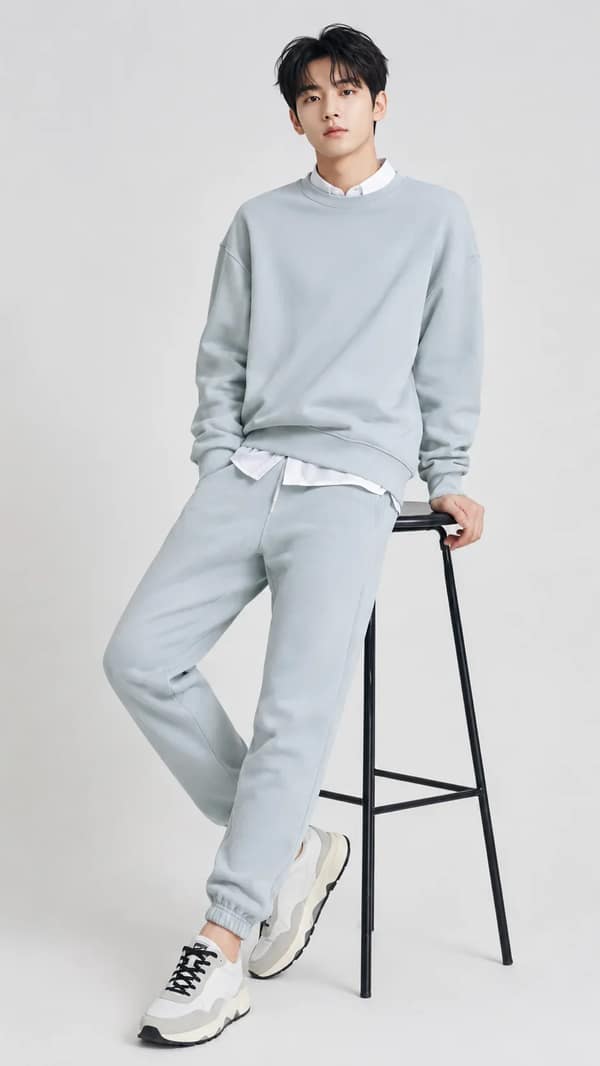
How to Write an AI Photo Prompt
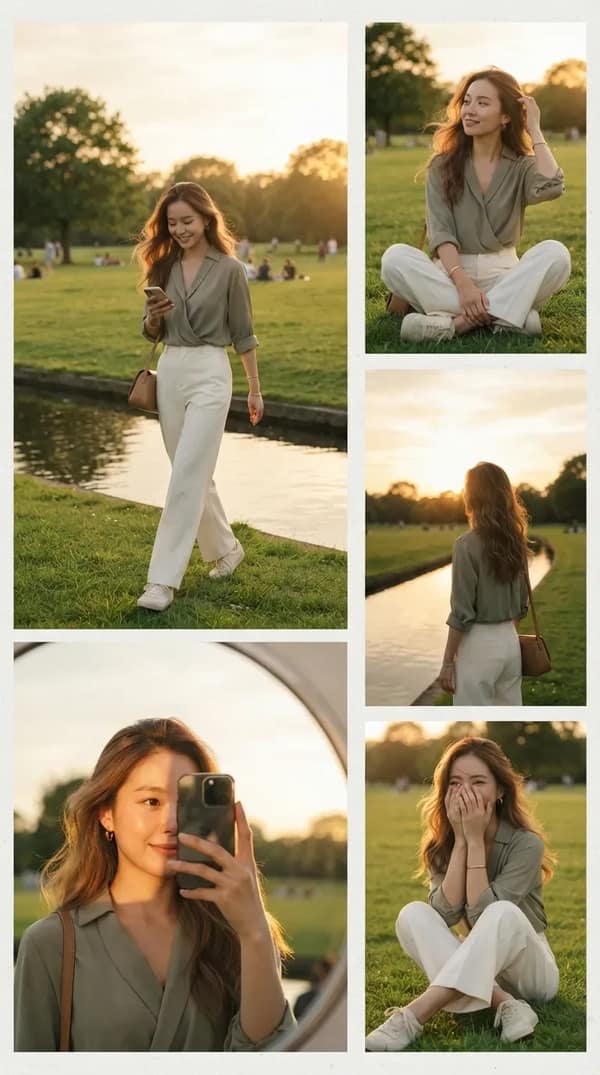
Photo prompts become more consistent when they describe the subject, camera, light, styling, and environment as separate decisions.
- 01
Describe the subject
Set age range, presentation, expression, pose, gaze, and any defining wardrobe or hair details without overloading the identity description.
- 02
Choose the camera language
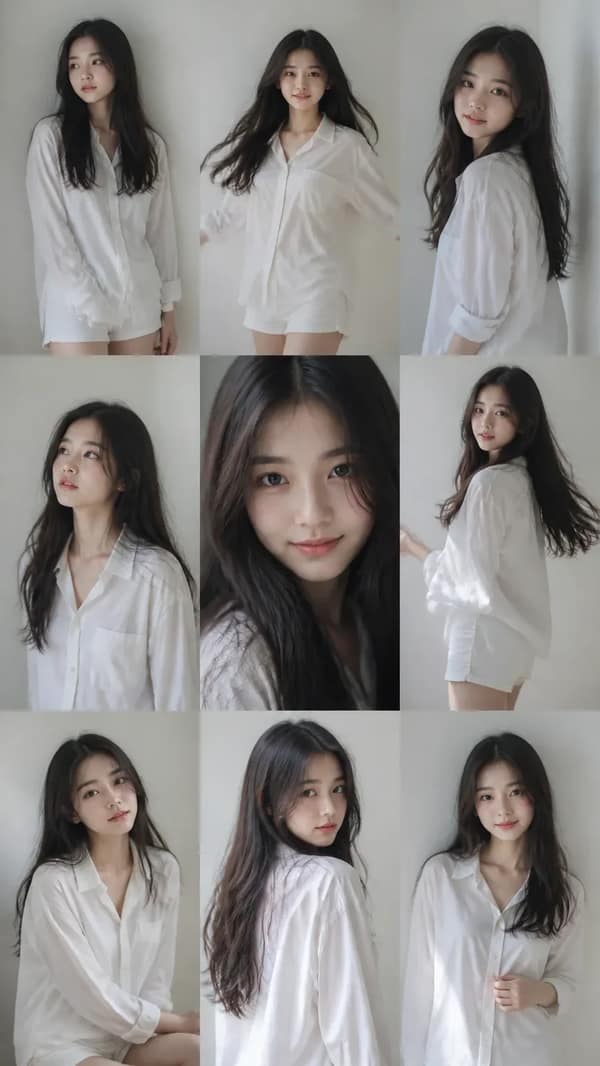
Specify close-up, half body, full body, lens feel, camera height, depth of field, and crop.
- 03
Shape the light
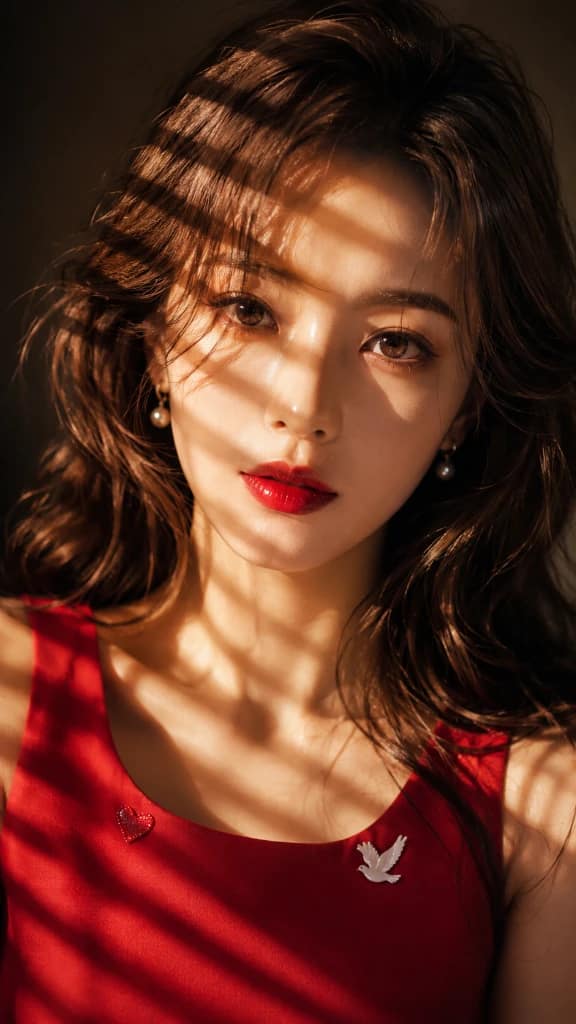
Describe the key light, fill, rim light, contrast, color temperature, and shadow softness.
- 04
Finish the art direction
Add styling, backdrop, location, color grade, texture, editorial reference, and final aspect ratio.
AI Photo Prompt Styles to Explore
4 starting points
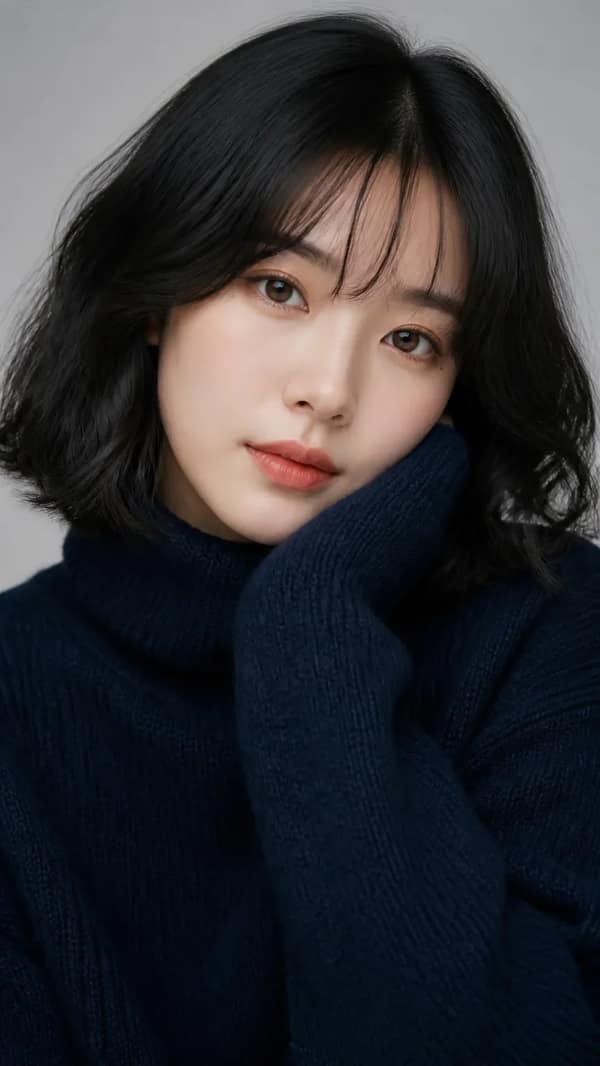
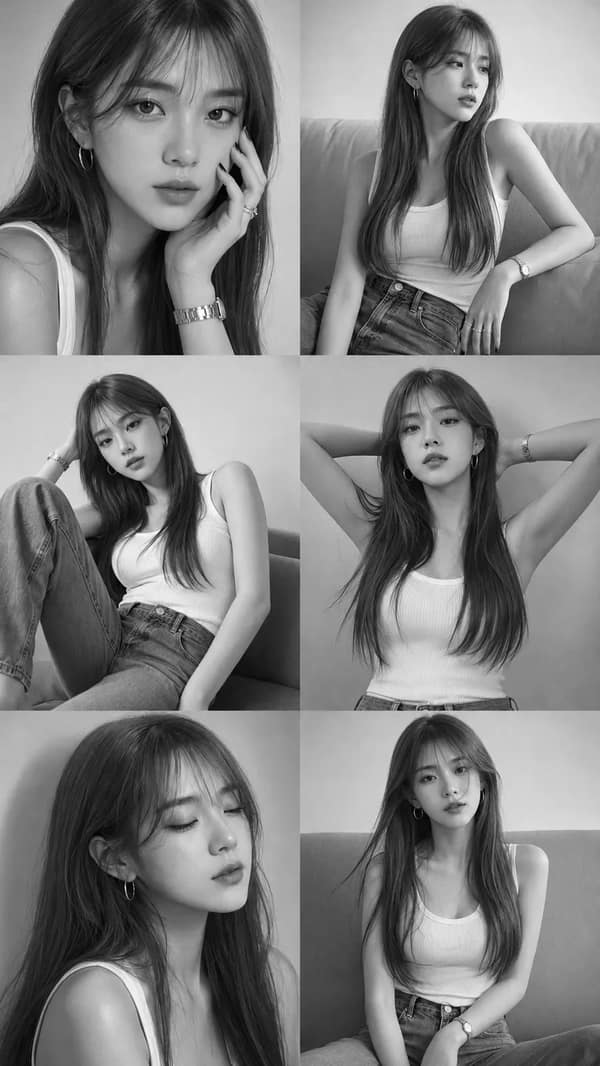
Studio portraits
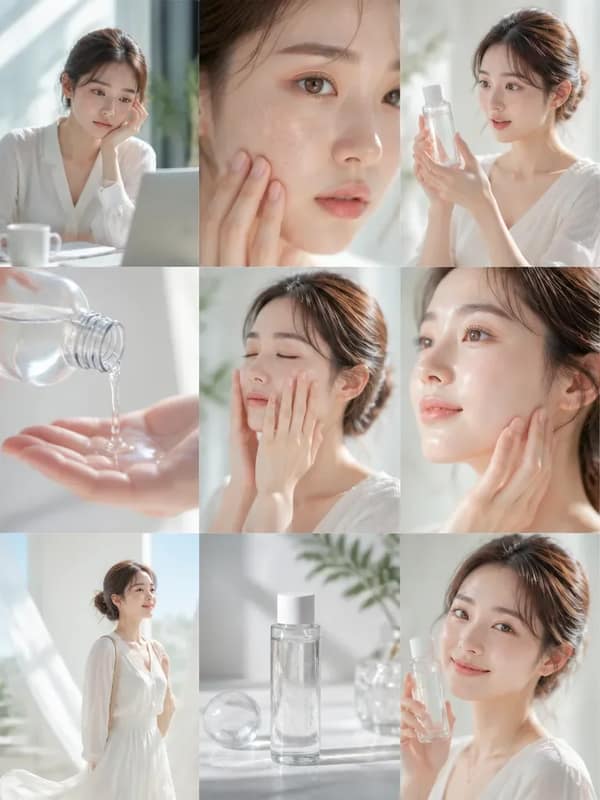
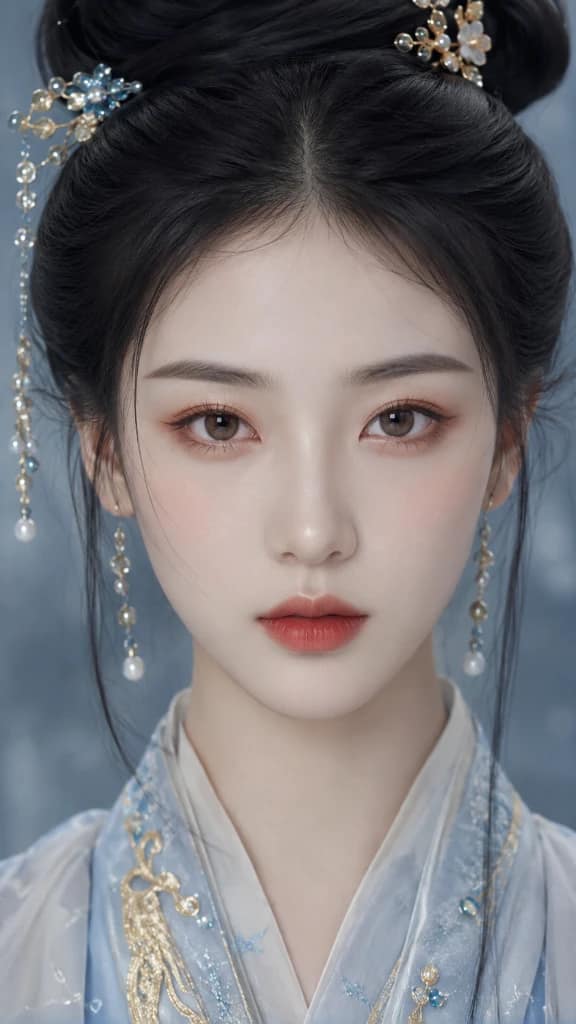
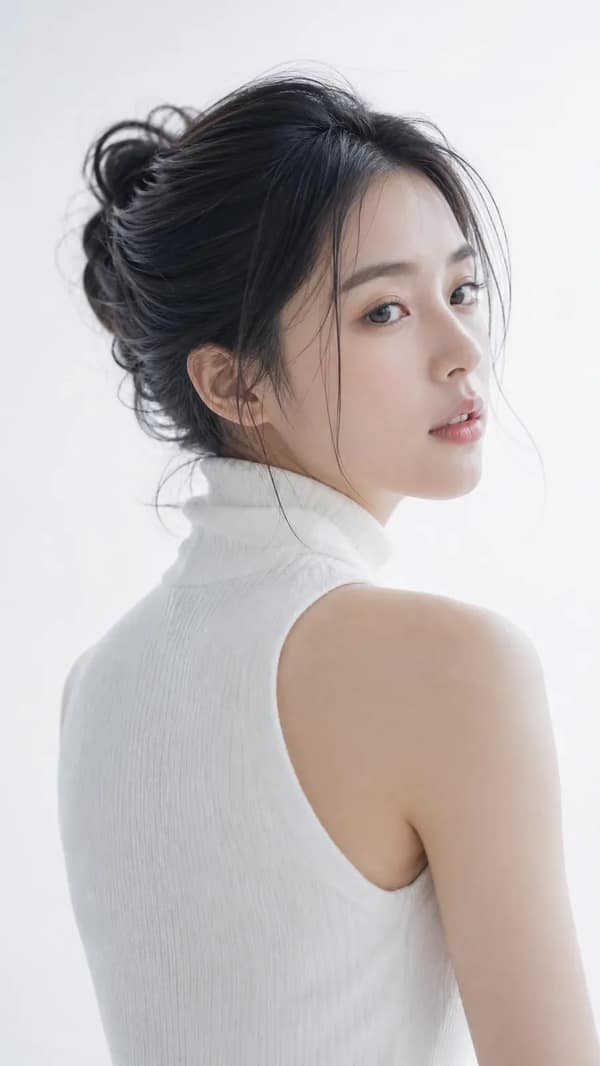
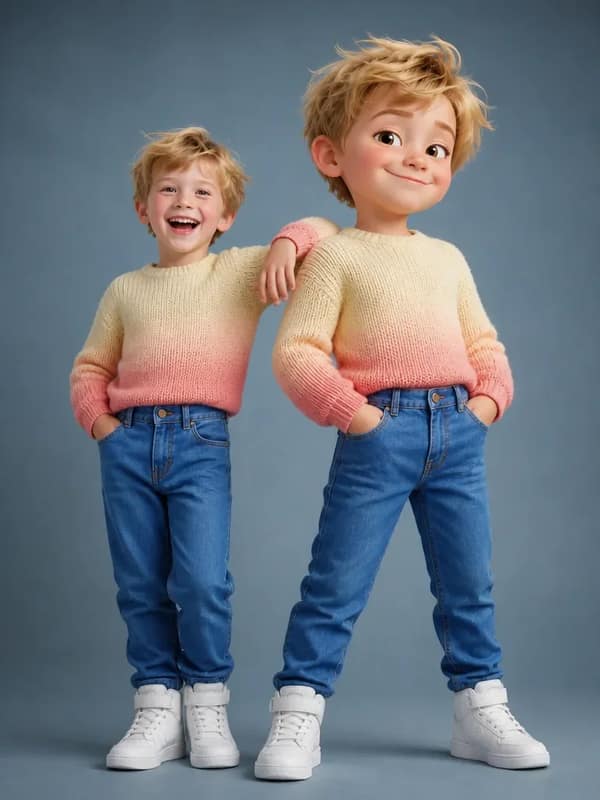
Control the backdrop, key light, fill ratio, pose, and crop for a clean repeatable setup.
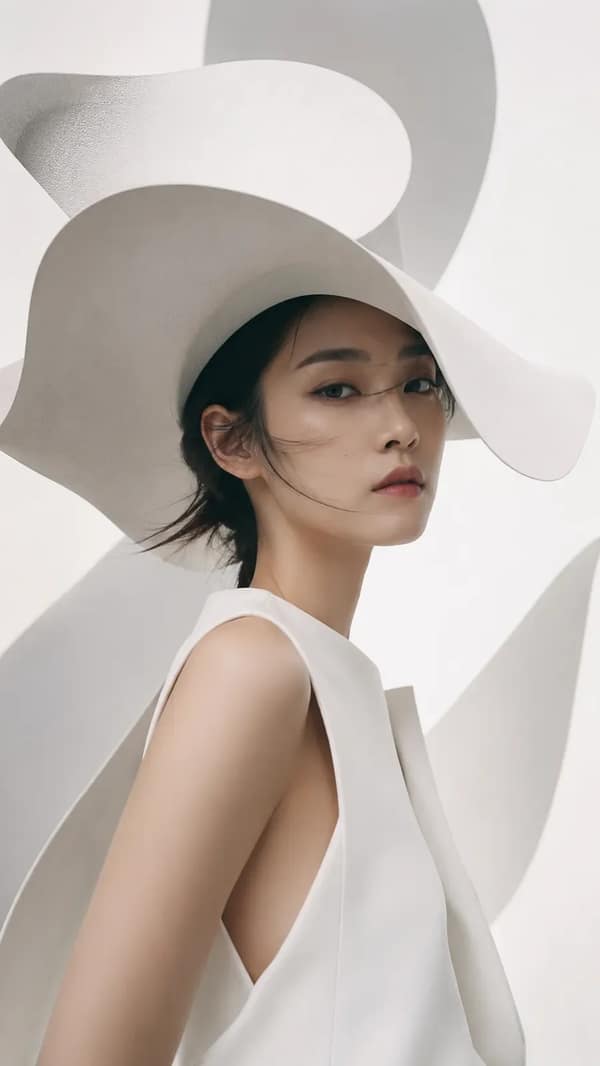
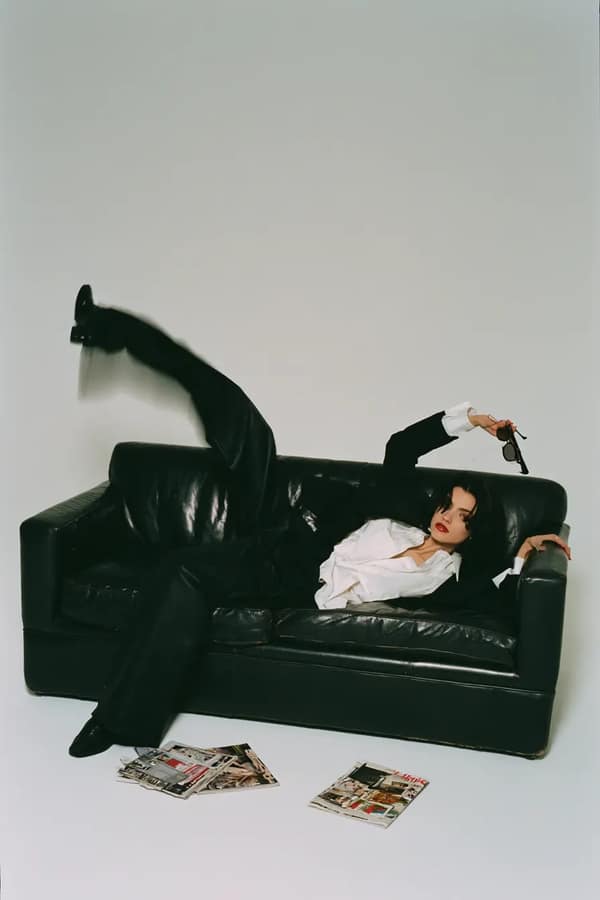
Fashion editorials
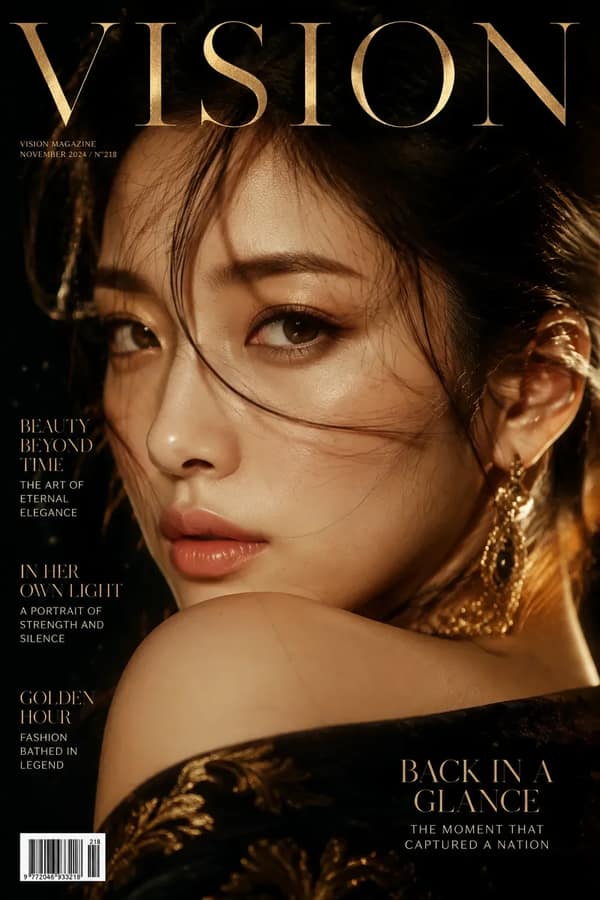
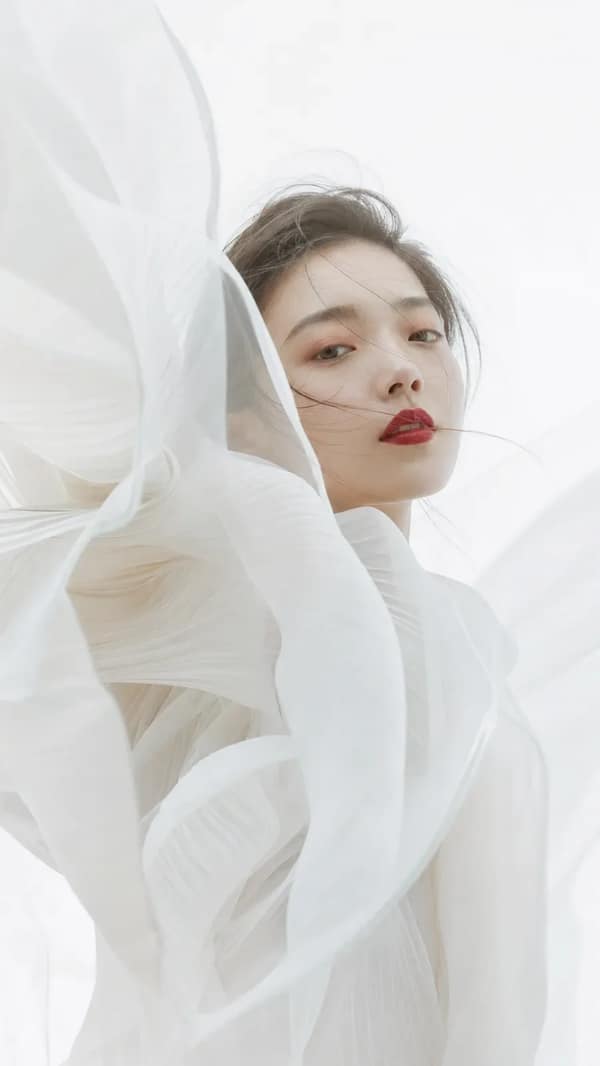
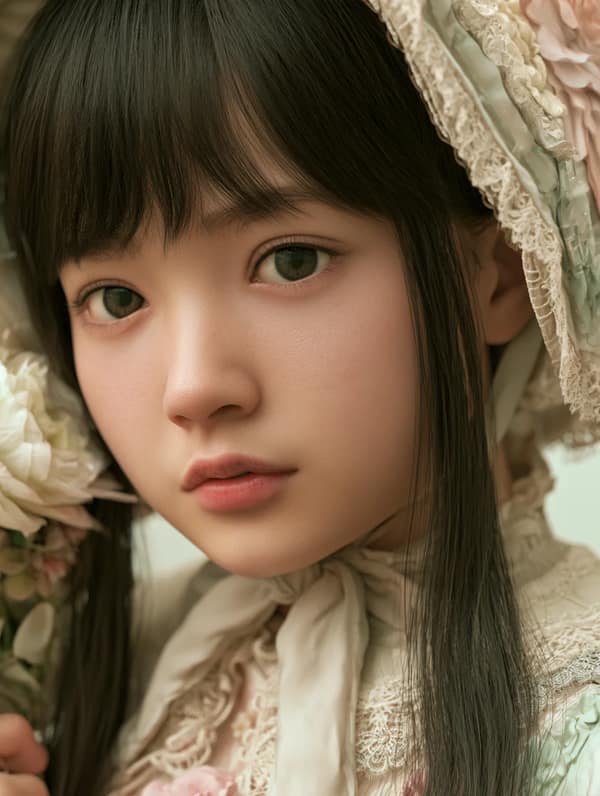
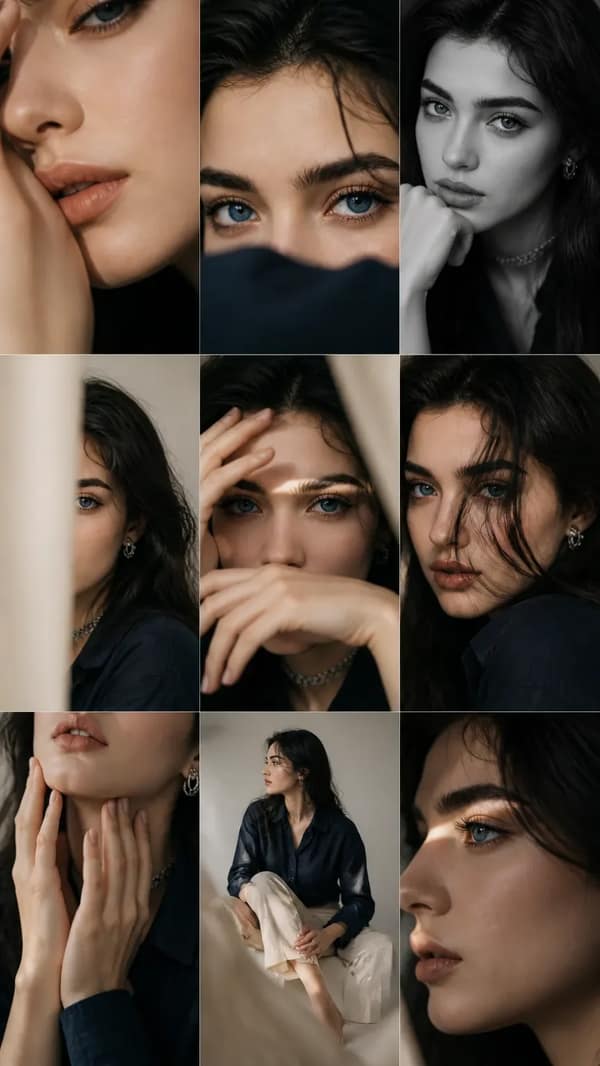
Combine wardrobe, casting, gesture, lens choice, set design, and magazine-style color grading.
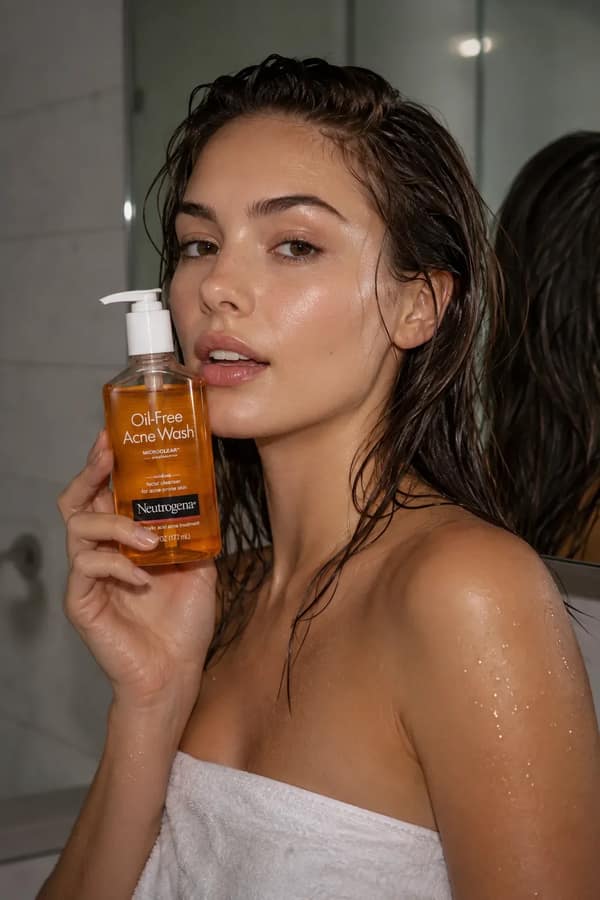
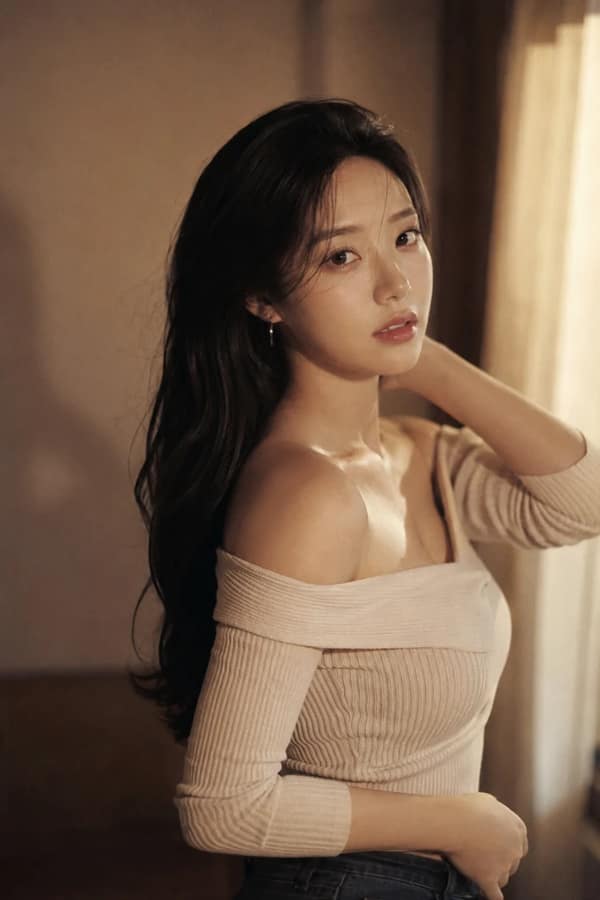
Cinematic portraits
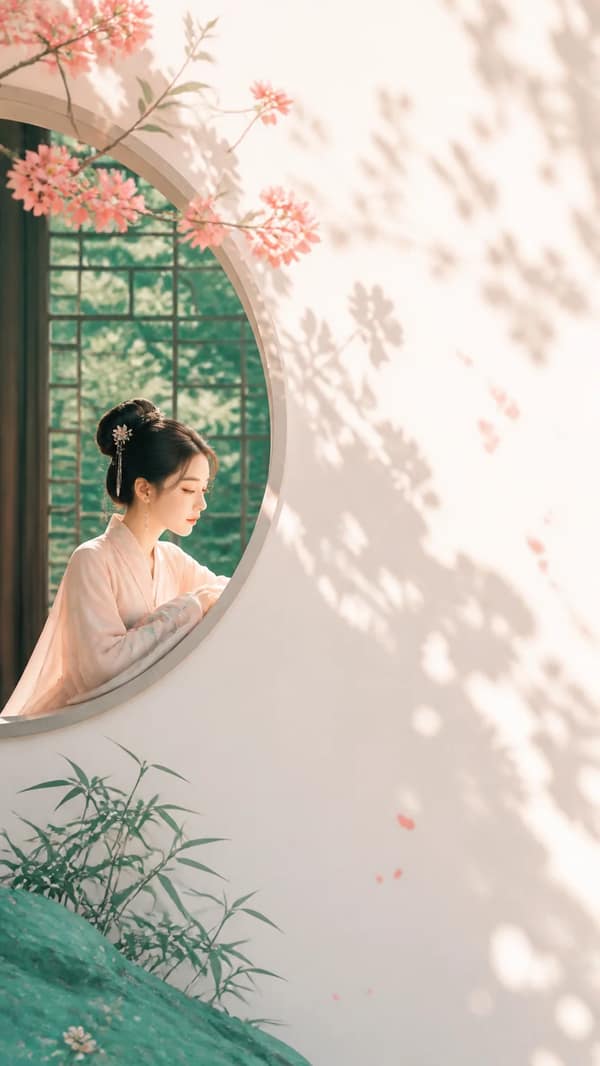
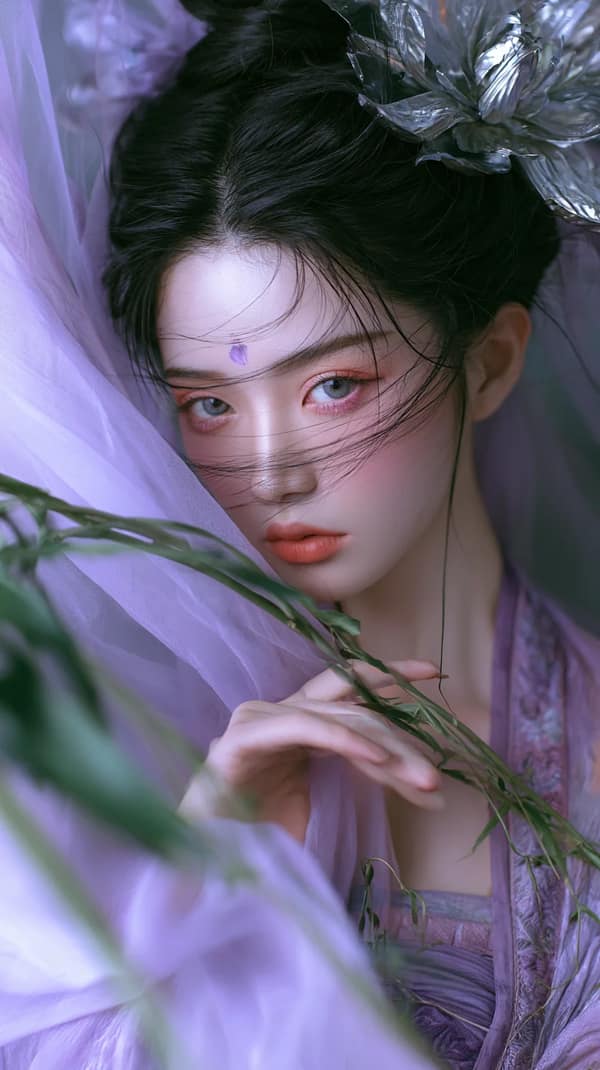
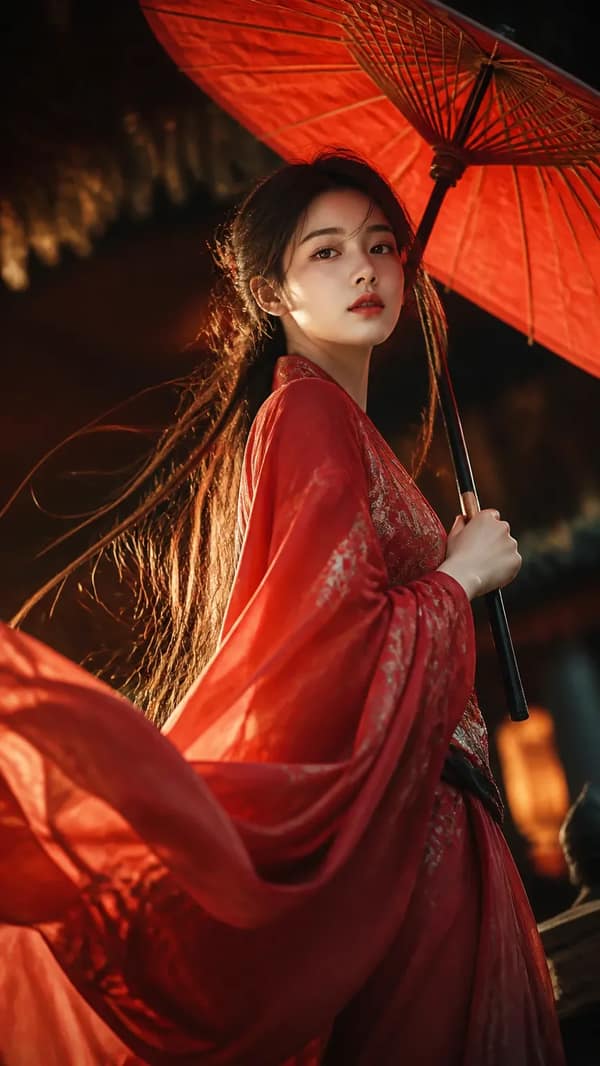
Use motivated lighting, location detail, shallow depth, and a clear emotional beat.
Profile and cover images
Keep facial structure readable, simplify the background, and leave room for the intended crop or masthead.