






How to Write an AI Design Element Prompt
Reusable elements need clearer boundaries than full scenes. Define the asset in isolation, then specify how it should fit into a larger visual system.
- 01
Name the isolated asset
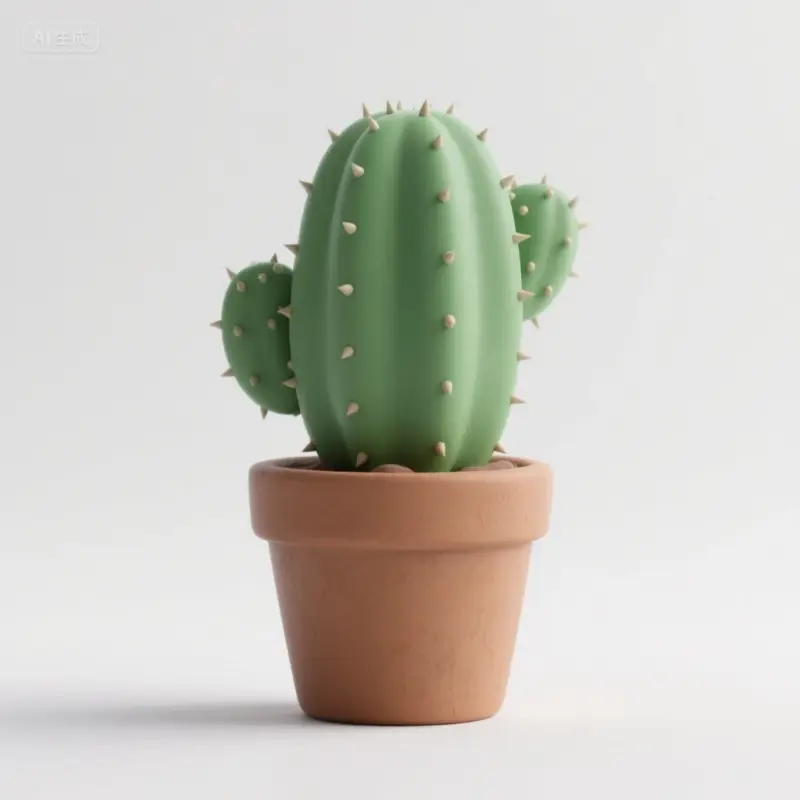
Describe the object, motif, frame, particle, plant, badge, or texture and state whether it should appear alone or as a small collection.
- 02
Control shape and material
Set silhouette, scale, perspective, material, surface detail, color, and light so the element has a consistent visual identity.
- 03
Specify edge and background
Ask for a clean background, negative space, clear edges, or a controlled shadow based on how the asset will be cut out or layered later.
- 04
Plan for reuse
State the intended placement, crop, canvas ratio, and number of variations so the result can work across layouts rather than only one image.
Design Element Prompt Ideas
4 starting points
Decorative frames
Build a frame with a readable opening, controlled ornament, and enough empty center space for copy or imagery.
Interface and motion assets
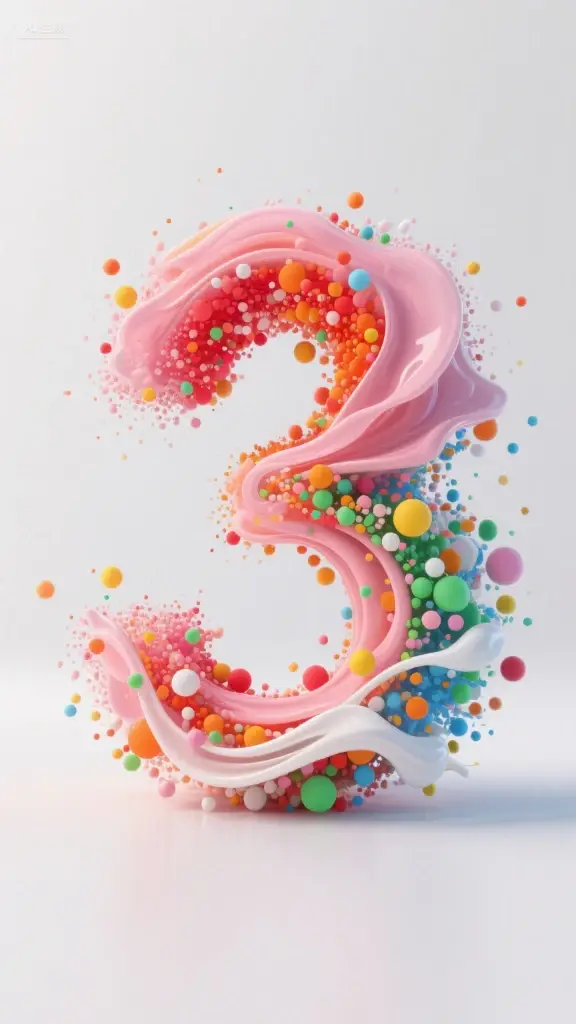
Use simple silhouettes and consistent lighting for particles, badges, buttons, or objects that may later be animated.
Product accents
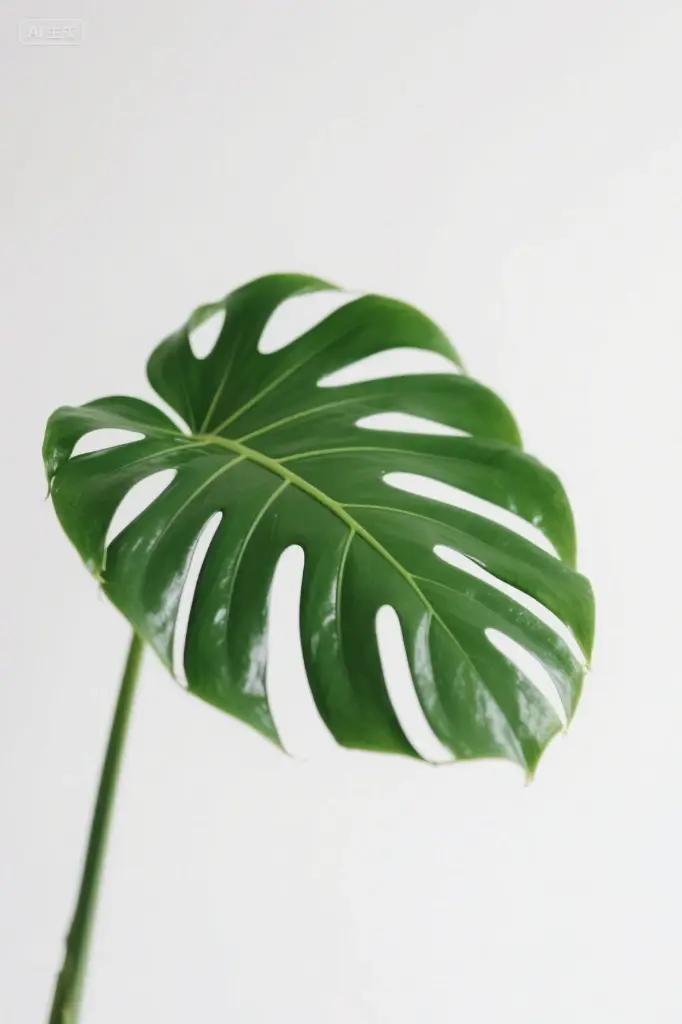
Create isolated props, plants, or materials that can support an e-commerce composition without competing with the product.
Pattern pieces
Generate repeatable motifs with compatible scale, palette, and edge treatment before assembling the final pattern manually.