




















How to Write an AI Background Prompt
A useful background supports a subject, message, or product instead of competing with it. Start with the intended space, then control depth, light, color, and reserved areas.
- 01
Define the background role
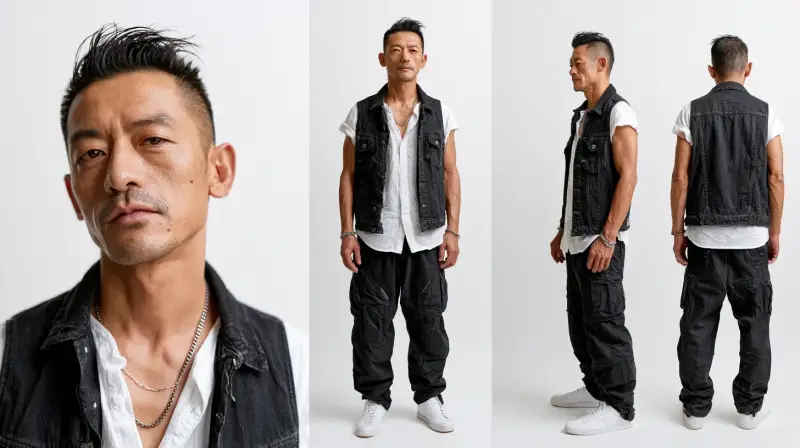
State whether the image supports a product, portrait, poster, interface, presentation, or standalone atmosphere so the composition has a clear job.
- 02
Build the environment
Describe studio, landscape, interior, abstract field, gradient, or texture along with horizon, depth, scale, and the direction of visual flow.
- 03
Set light and color
Choose light direction, contrast, palette, color transition, weather, and texture to establish mood without overwhelming the foreground.
- 04
Reserve space for content
Specify where the subject, product, headline, or logo will sit and protect that area with enough negative space and suitable contrast.
Background Prompt Ideas by Layout Need
4 starting points
Product backdrops
Create a controlled surface, lighting direction, and clean negative space that makes the product feel grounded and prominent.
Poster and headline space
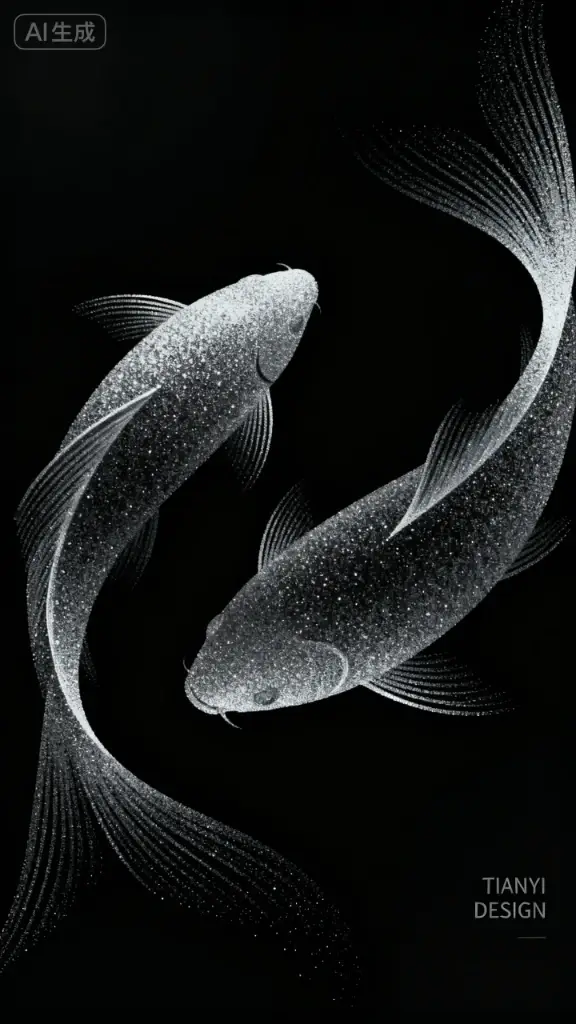
Use quieter zones, deliberate contrast, and visual flow that lead toward a title instead of competing with it.
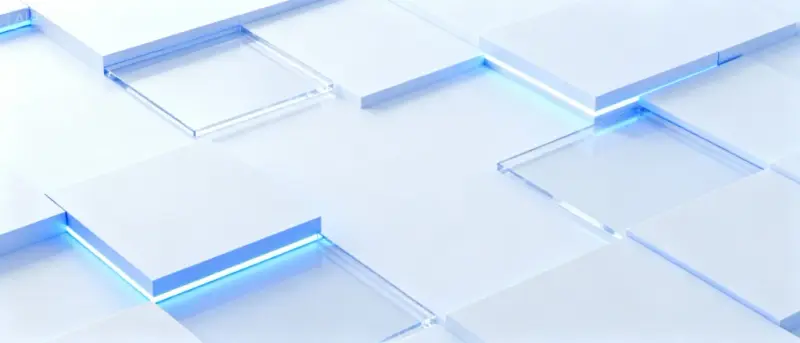
Abstract gradients
Describe color stops, softness, texture, depth, and energy so the gradient feels designed rather than randomly blended.
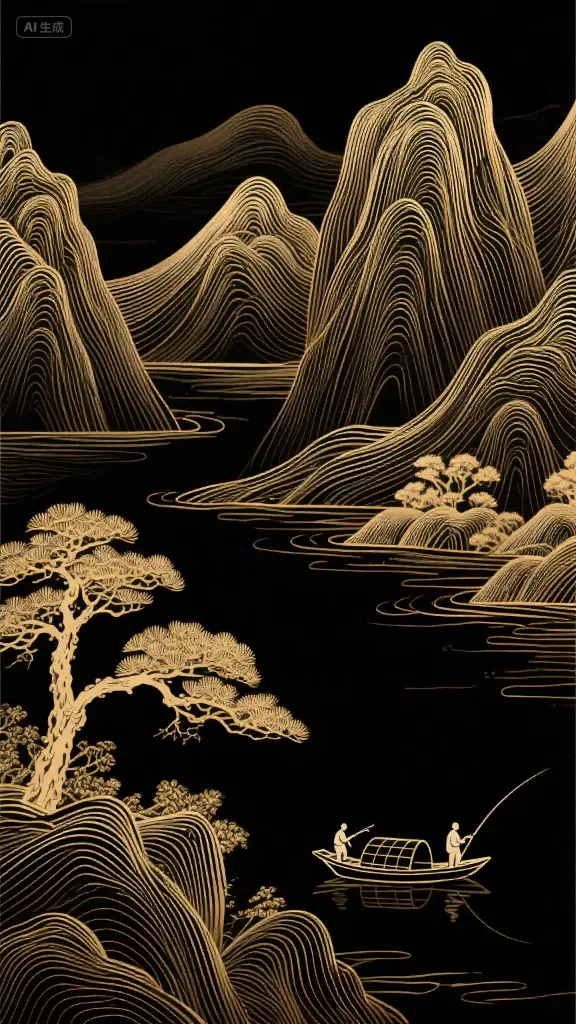
Atmospheric landscapes
Control horizon, weather, time of day, and depth layers to create a usable sense of place behind a subject or story.